The Three Dollar Question in One Paragraph
Most small teams should pick Standard at $12 per seat over Basic at $9. Stay on Basic only if monday is a plain shared task list. Both prices are per seat per month, billed annually, as of November 2026. Standard adds timeline and Gantt views, a calendar view, guest access and 250 automation actions a month.
The gap is $36 per seat per year, which is $180 for a five-person team. That is small next to the time a single automation saves each week. It is wasted money if nobody uses the extra views. Confirm current pricing on the official site before you buy.
What Basic Already Gives a Small Team
The monday.com pricing page positions Basic as the entry paid plan for work management. It includes unlimited items, so you will not hit a cap on the number of tasks or rows.
Basic also comes with 1,000 AI credits per month. For a team that writes task summaries or drafts updates with monday’s AI tools, that is a usable allowance on day one.
What Basic lacks matters more than what it has. The page lists no automations, no integrations, no timeline or Gantt view and no guest access on Basic. A team that only needs boards, statuses and owners will not miss them.
The Seven Things Standard Adds
Standard is the plan monday marks as its middle step for small teams. Compared with Basic, the pricing page lists seven additions.
The first three are about seeing and sharing work. Standard adds timeline and Gantt views for date-based planning, a calendar view and guest access for people outside your account.
The other four are about connecting work. Standard lists automations at 250 actions per month, integrations at 250 actions per month, 3 workflows and API access at 1,000 calls per day.
Standard also doubles the AI allowance to 2,000 credits per month. Each of these items solves a different problem, so the right question is which ones your team would use in its first month.
Basic and Standard Side by Side
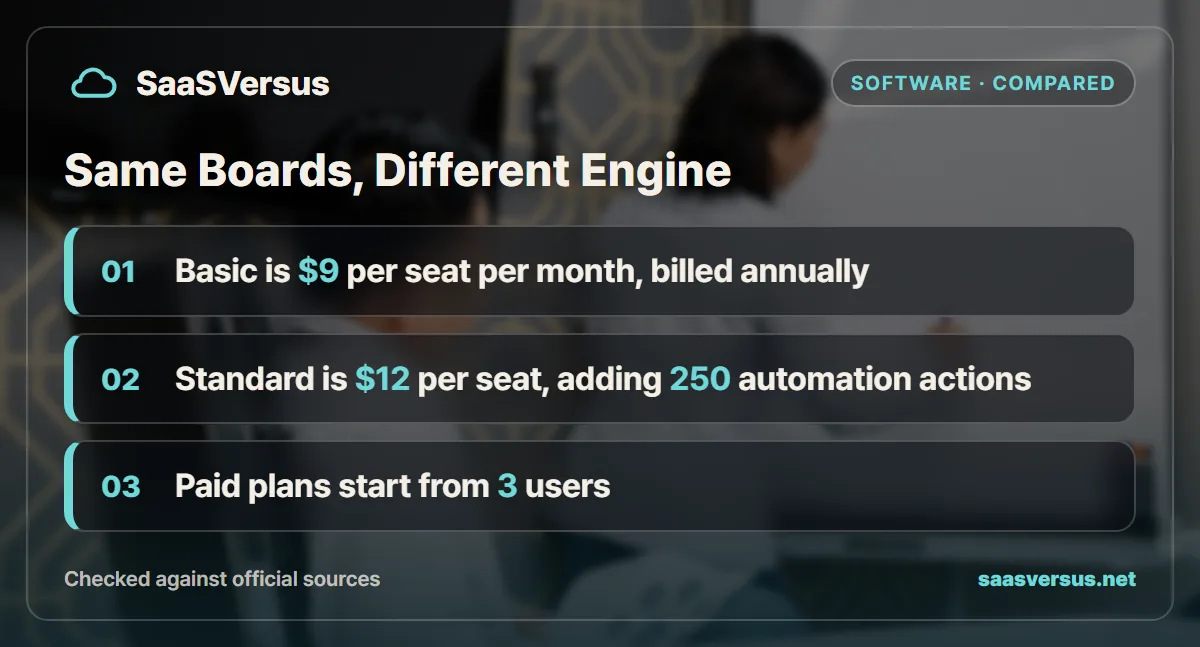
The table lists the differences a small team would weigh. Figures come from the monday.com pricing page, checked on November 2, 2026.
| What a small team needs | Free | Basic | Standard | Pro |
|---|---|---|---|---|
| Price per seat per month, billed annually | $0 | $9 | $12 | $19 |
| Seats | Up to 2 | From 3 users | From 3 users | From 3 users |
| Items | Not listed | Unlimited | Unlimited | Unlimited |
| Timeline, Gantt and calendar views | Not listed | Not listed | Yes | Yes |
| Guest access | Not listed | Not listed | Yes | Yes |
| Automation actions per month | Not listed | Not listed | 250 | 25,000 |
| Integration actions per month | Not listed | Not listed | 250 | 25,000 |
| AI credits per month | Not listed | 1,000 | 2,000 | Not listed here |
| Free trial | Free forever | Not listed | Not listed | 14 days |
The FAQ on the same page says the monthly plan is not discounted. In other words, the annual prices in the table are the lower rates, and paying month to month costs more.
How Far 250 Automation Actions Stretch
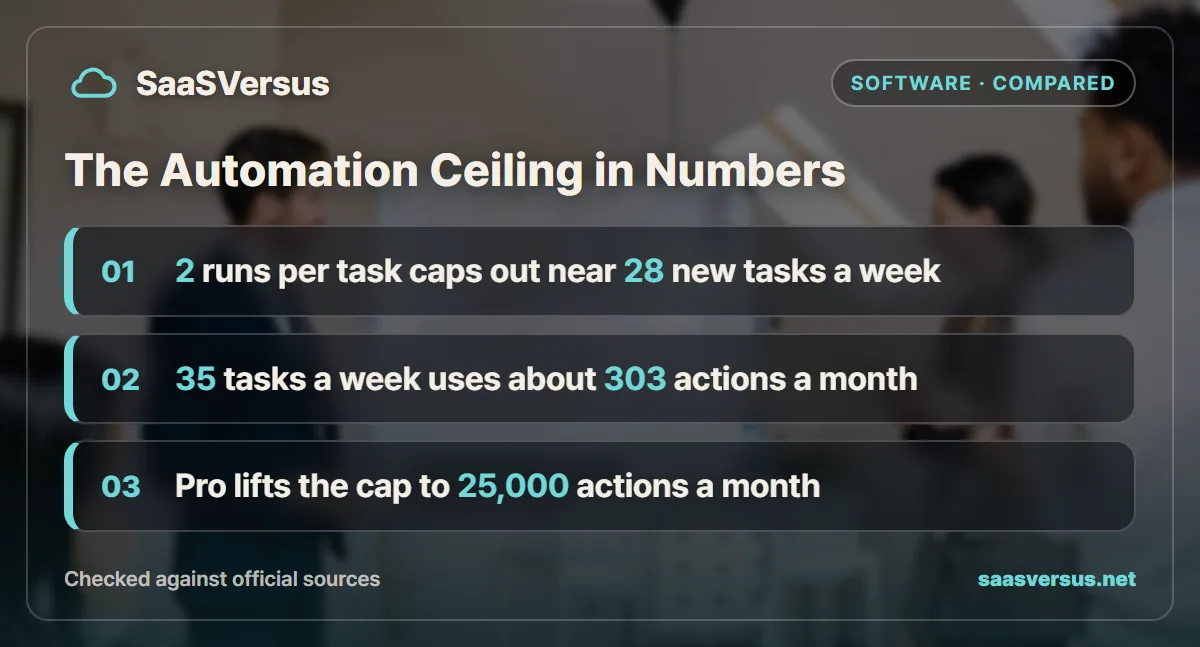
The automation quota is the most practical reason to upgrade, so it is worth testing against a real week. Assume each automation run uses one action, and a month has 52 divided by 12, or about 4.33 weeks.
Take a small agency that adds 35 new tasks a week. Each task triggers two automations, one to assign an owner and one to notify the channel when it moves to done.
| Step | Calculation | Result |
|---|---|---|
| Actions per week | 35 tasks x 2 runs | 70 |
| Actions per month | 70 x 4.33 | About 303 |
| Standard quota | Listed on the pricing page | 250 |
| Shortfall | 303 - 250 | About 53 |
That agency would run out of actions near the end of each month. The break-even point with two runs per task is 250 divided by 8.67, or about 28 new tasks a week. With three runs per task, the ceiling drops to about 19 new tasks a week.
So Standard suits light automation, such as one or two rules on a single busy board. A team that wants rules on every board should price Pro, where the quota rises to 25,000 actions a month. Rounding was done only at the final step.
What Five and Ten Seats Cost Per Year
Seat prices look small per month, so it helps to see the yearly bill. The figures below assume annual billing at list price for a full year, before tax.
| Team size | Basic per year | Standard per year | Pro per year | Standard minus Basic |
|---|---|---|---|---|
| 3 seats | $324 | $432 | $684 | $108 |
| 5 seats | $540 | $720 | $1,140 | $180 |
| 10 seats | $1,080 | $1,440 | $2,280 | $360 |
The pricing page itself shows the ten-seat monthly equivalents as $90 on Basic, $120 on Standard and $190 on Pro. Multiply by 12 and you get the same yearly totals as the table.
The jump from Standard to Pro is larger than the jump from Basic to Standard. Pro costs $7 more per seat per month than Standard, or $420 a year for five people. That is why most small teams should settle the Basic or Standard question first.
Timeline, Gantt and Calendar Views Change Planning
A board on Basic shows who owns a task and what state it is in. It does not show how tasks line up against dates, which is what a Gantt or timeline view is for.
If your work has dependencies, such as a launch where design must finish before copy, those views earn the upgrade alone. A calendar view helps teams that schedule posts, shoots or client calls.
Teams that work in short, independent tasks rarely need them. A support queue or a list of admin chores is easier to read as a plain board. For that kind of work, Basic is not a compromise.
Guest Access Matters More for Client Work
Guest access is listed on Standard and not on Basic. It lets people outside your account see and work on a board, which is how many agencies share progress with a client.
Without it, you either pay a full seat for each outside person or copy updates into email. Both get old quickly once a project has several stakeholders. Our guide on whether contractors and clients need paid seats explains how this trade-off plays out across tools.
An internal team with no outside collaborators can skip this row entirely. It only becomes a deciding factor when clients or freelancers need a live view.
When Pro Becomes the Real Comparison
Some teams discover that the Basic or Standard choice is the wrong frame. If your automations would exceed 250 actions a month, Standard runs short, and the honest comparison is Standard against Pro.
Pro at $19 per seat raises both automation and integration quotas to 25,000 actions a month. That is 100 times the Standard quota, so most small teams will never reach it.
Before you pay for Pro, check whether an outside tool already handles the integrations. If your team runs connections through Zapier, read when the Zapier free plan runs out of tasks to compare the two bills.
Which monday.com Plan Fits Your Team
Two people sharing a short task list: The free plan, which covers up to 2 seats. Move to a paid plan when a third person joins, since paid plans start from 3 users.
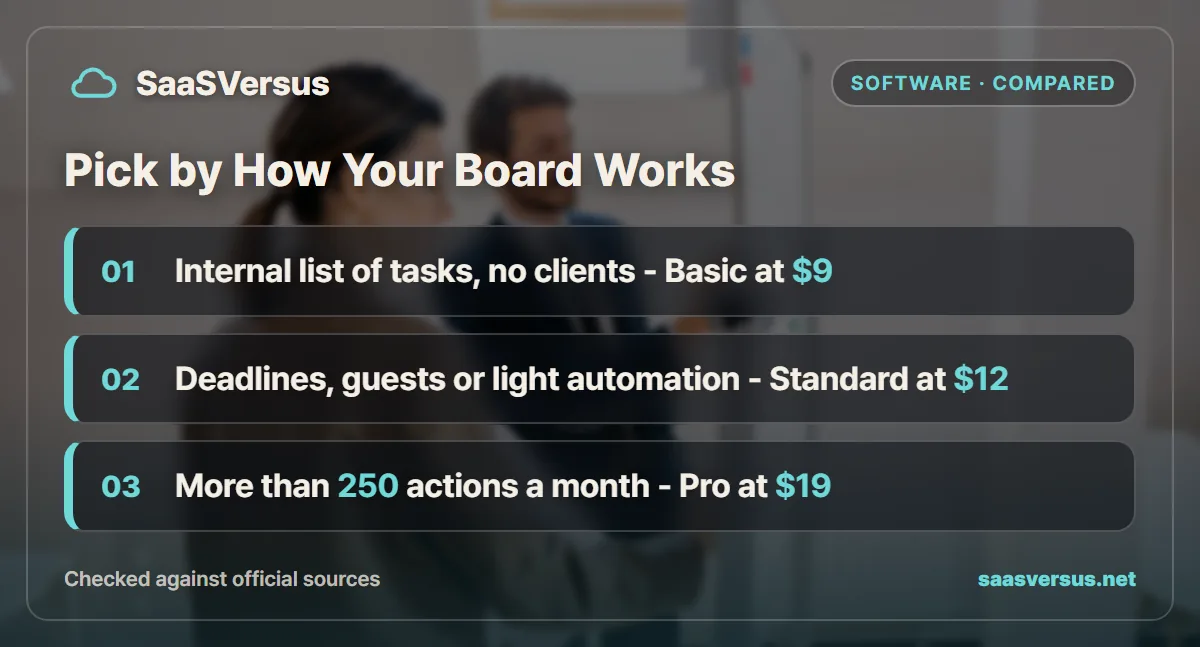
An internal team tracking tasks without deadlines or clients: Basic at $9 per seat. You get unlimited items and 1,000 AI credits a month without paying for views you will not open.
A team that plans by date or shares boards with clients: Standard at $12 per seat. Timeline, Gantt, calendar views and guest access cover most small agency and marketing work.
A team with one or two automation rules on a busy board: Standard, as long as the rules stay under about 28 new tasks a week at two runs each.
A team that wants automations on every board: Pro at $19 per seat, for 25,000 actions a month. Compare it with other tools in our Asana vs monday vs ClickUp breakdown before you commit.
Use the Pro Trial to Settle It
monday.com offers a 14-day free trial of Pro, and the page says you can start free with no credit card. Because Pro includes everything in Standard, the trial lets you test every Standard feature at once.
During those two weeks, build the boards you would really use and switch on the automations you want. Then count the actions, and note whether anyone opened the Gantt view or invited a guest. If none of that happened, Basic is the right plan.
Whichever plan you pick, roll it out deliberately. Our guide on how to roll out a project management tool covers the first weeks, and annual vs monthly billing helps you choose the payment term.
If your team thinks in rows and columns rather than boards, Smartsheet is the spreadsheet-shaped alternative with its own automation cap. Our breakdown of whether Smartsheet Business is worth $10 more per member than Pro runs the same kind of automation count against its 250-a-month Pro allowance.
FAQ
How much more does monday.com Standard cost than Basic?
monday.com lists Basic at $9 and Standard at $12 per seat per month, billed annually, as of November 2026. On a five-seat team that is $540 a year on Basic and $720 a year on Standard, a gap of $180.
Does monday.com Basic include automations?
No automations are listed on Basic. Standard includes 250 automation actions and 250 integration actions per month, and Pro raises both to 25,000 actions per month.
Is there a minimum number of seats on monday.com paid plans?
The pricing page FAQ says paid plans start from 3 users. The free plan covers up to 2 seats, so a solo owner or a pair can stay free, but a team of three or more pays for at least three seats.
Can I invite clients to monday.com on the Basic plan?
Guest access is listed on Standard and not on Basic. If clients or freelancers need to see a board without becoming paid members, Standard is the lowest plan that lists it.
Does monday.com have a free trial?
monday.com offers a 14-day free trial of the Pro plan for work management, and the page says no credit card is needed to start free. Use the trial to count how many automation runs your boards would trigger in a normal week.
Sources
- monday.com: Pricing and Plans — checked 2026-11-02
Some links may be affiliate links. We may earn a commission at no extra cost to you.
How this article was made: it was drafted with AI assistance from the official sources listed above, and its figures were checked against those pages on the dates shown. It is not based on personal hands-on testing.
Comments
Post a Comment