Month Three Is When The Tool Dies
Choosing a project management tool feels like the hard part. It is not. Almost any of the mainstream options can run a small team’s work perfectly well.
The hard part arrives around week ten. The board stops matching reality, someone starts tracking the real plan in a spreadsheet again, and within a month the tool is a graveyard of stale cards nobody trusts.
That failure is rarely about features. It is about a rollout that asked for more discipline than the team had, or that never made the tool worth opening for anyone except the person who chose it.
This guide covers the rollout rather than the shortlist. If you are still choosing, start with our roundup of the best project management software and come back here once you have picked.
What Actually Kills Adoption
Four causes explain most abandoned rollouts, and none of them is the tool.
Too many required fields. Every mandatory dropdown is a small tax on the person filing the work. Charge enough of those taxes and people route around the tool entirely.
No single source of truth. If the real decisions still happen in chat and the board is updated afterwards as a chore, the board is documentation, not a workspace. Documentation written under duress goes stale.
Value that only flows upward. When the tool exists so a manager can see status, the people entering data get nothing back. Adoption depends on the person doing the typing getting something useful out of it.
Migrating everything. Importing three years of finished work buries the fifteen things that matter this week under noise, and first impressions of a cluttered board are hard to undo.
Decide What The Tool Is For Before You Open It
Write one sentence describing the job the tool must do. Not three, and not a list of features.
“We need to know what everyone is working on this week” is a usable sentence. So is “we need client work to stop falling through the gaps between handoffs.” Both point at a small, checkable setup.
“We need to organise everything” is not a usable sentence. It produces a workspace that tries to be a wiki, a CRM, a document store, and a task list, which is how teams end up with all four half-populated.
The sentence also settles later arguments. When someone proposes a new field, a new board, or a new automation, you have a written standard to measure the proposal against.
The Minimum Viable Setup
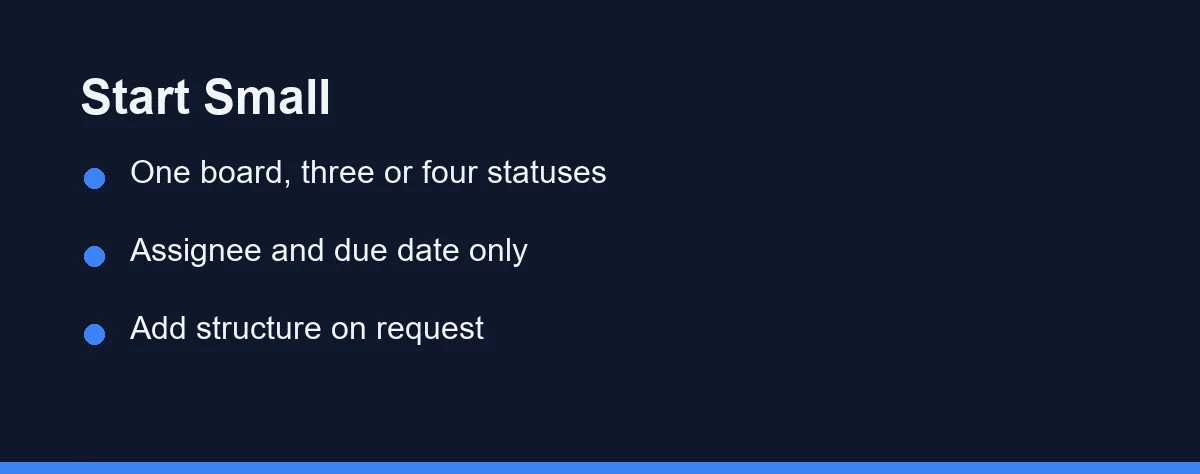
Start smaller than feels right, because you can add structure once people are already using the tool. Removing structure after adoption is much harder.
| Element | Start with | Add later, if asked for |
|---|---|---|
| Boards or projects | One per active client or workstream | Portfolios, cross-project roll-ups |
| Statuses | Three or four, matching real stages | Blocked, in review, custom stages |
| Required fields | Assignee and due date only | Priority, estimates, tags, custom fields |
| Views | The one view the team uses daily | Timeline, workload, dashboards |
| Automations | One that removes a recurring chore | Notification rules, dependency chains |
| Integrations | Chat notifications only | Time tracking, docs, code, billing |
The rule behind the table is that structure should follow a complaint. Add the priority field when someone asks how to flag urgency, not in week one because the tool offers it.
What To Migrate, And What To Leave Behind
Move only work that is genuinely live. Anything finished, cancelled, or vague enough that nobody can define “done” for it belongs in an archive, not the new board.
Old completed work has almost no future value and real present cost. It makes the board look busy, slows searching, and trains people to ignore what they see.
Handle the vague items honestly. If an item has sat untouched for months and nobody can say what finishing it looks like, importing it just relocates the problem.
Keep the old system readable for a while rather than deleting it. A read-only archive costs nothing and removes the anxiety that makes people cling to the previous tool.
Somebody Has To Own It
An unowned workspace decays. Not dramatically, just steadily, until the structure no longer matches how the team actually works.
Name one person responsible for the setup. Their job is not to enter everyone’s tasks; it is to keep the conventions coherent, prune what is not working, and decide when a request for a new field is worth the tax.
That role needs about an hour a week and real authority to say no. Without the authority it becomes a complaints inbox, and the workspace fills with everyone’s favourite field.
Rotate it if you like, but write down who holds it. “Everyone owns it” reliably means nobody does.
The First Two Weeks

The opening fortnight sets whether the tool becomes habit or homework.
Days one to three: set up one board with the minimum structure and move only live work into it. Do not invite the team yet.
Days four to five: run your own work through it for two days. Every friction you hit now is friction the team would have hit, and fixing it in advance costs you nothing in goodwill.
Week two, day one: invite the team with one instruction, not a manual. Something like “your work for this week lives here, and standup runs off this board from Thursday.”
Week two, rest: run at least one real recurring meeting from the board. Nothing drives adoption like the tool being the only place the agenda exists.
The pattern is that adoption follows necessity. A tool people can ignore gets ignored, and a tool the weekly meeting depends on gets updated before the weekly meeting.
Automations That Earn Trust Early
Pick one automation that removes a chore someone genuinely resents. Moving a card when a status changes, or posting a daily summary into the team channel, both qualify.
The purpose is demonstration rather than efficiency. One visible automation teaches the team that the tool gives something back, which is the exact belief that carries a rollout past month three.
Resist building the clever multi-step ones early. They break quietly, and a broken automation costs more trust than a working one earns. Free tiers also ration runs: as of October 2026, Trello’s free plan allows 250 Workspace command runs a month, and Standard, at $5 per user per month billed annually, allows 1,000.
Notification volume deserves the same restraint. A tool that sends twenty alerts a day trains people to mute it, and a muted tool is an abandoned one with extra steps.
The Signals It Is Slipping
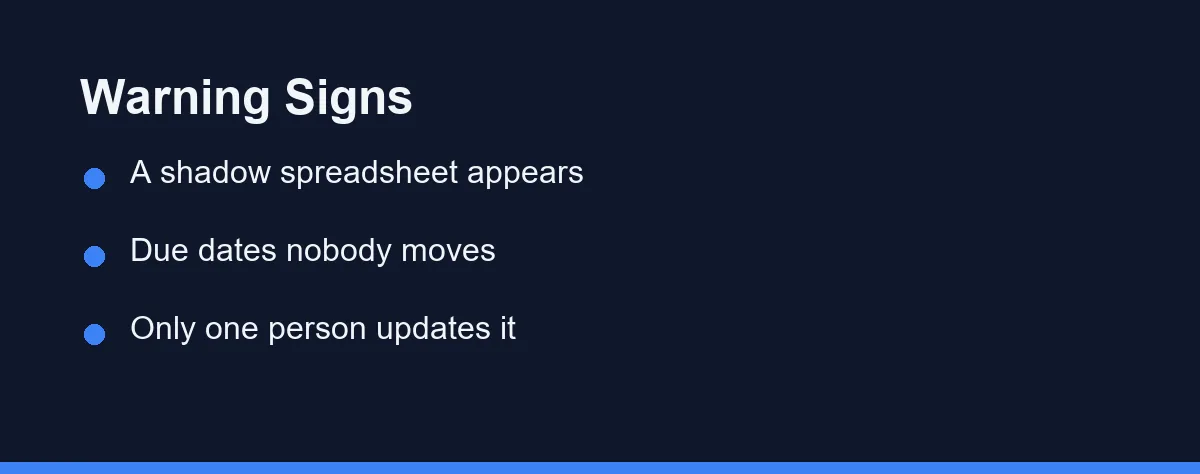
Abandonment is gradual and visible early if you know what to watch. Four signals show up well before anyone says the tool is not working.
The first is a shadow spreadsheet. When someone rebuilds the plan somewhere else, they are telling you the board does not answer a question they need answered.
The second is decisions made in chat and never reflected on the board. That gap is where the board starts becoming fiction.
The third is stale due dates nobody bothers to move. Once dates are known to be wrong, they stop being read, and the tool loses the one thing it was for.
The fourth is a board only one person updates. If the same name touches every card, the rest of the team has quietly opted out.
Any of these is worth a fifteen-minute conversation rather than a new field. The fix is usually removing something, not adding one.
Which Rollout Approach Fits Your Team
The right approach depends on how the team already works, not on the tool you picked.
A team already living in one chat channel: lead with the integration. Push board updates into the channel they already read, so the tool meets them rather than the reverse.
A team that has abandoned a tool before: start with a single workstream instead of the whole business. Proving it on one project rebuilds credibility that a full rollout would burn.
A client services team: organise by client from day one and make handoffs the visible unit of work, since the gaps between people are where the money leaks.
A team migrating off spreadsheets: keep the spreadsheet readable for a month and expect a slower change of habit. Our guide on when to upgrade from spreadsheets to a CRM works through the same transition on the sales side.
A team where only the manager wants this: fix that first. A rollout with one enthusiast and four sceptics fails regardless of setup, and the honest move is to find the problem the sceptics actually have.
Before You Send The Invite
Check three things and you avoid most of the common failures.
Confirm that a person doing the work, not just the person reading reports, gets something useful from opening the board. If you cannot name that benefit, the rollout has no engine.
Confirm the setup is smaller than you want it to be. Structure added on request sticks; structure added in advance gets ignored or worked around.
Confirm one recurring meeting will run off the board within two weeks. That single dependency does more for adoption than any configuration choice.
Costs are worth a look too, since seats often outlive the people who filled them. Our guide on auditing SaaS subscriptions covers catching that before renewal. Pricing changes often, so confirm current terms on the official site, at the time of writing.
Time tracking is the feature teams add next, and it usually sits one tier up. We compare the native timer against a dedicated app using the published per-seat prices.
Seats also outlive the people who filled them, which is a rollout problem as much as a billing one. The software offboarding checklist for a small team covers how to close an account and reclaim the licence on the same day someone leaves.
FAQ
How long does it take a small team to adopt a project management tool?
Setup takes days, and habit takes a few weeks. The reliable marker is whether a recurring meeting runs off the board within the first fortnight, because a tool the team depends on gets updated and a tool they can ignore does not. Teams that have abandoned a tool before usually need a slower start on a single workstream.
Should I import all my old projects into the new tool?
No. Move only work that is genuinely live, and archive anything finished, cancelled, or too vague to define done for. Old completed items add clutter, slow searching, and train people to ignore what they see. Keep the previous system readable for a while instead of deleting it.
Why do teams stop using project management software?
Usually because the setup demands more discipline than it returns. Too many required fields tax the person filing work, decisions keep happening in chat, and the value flows only to whoever reads reports. The person entering data has to get something useful back, or the board becomes documentation nobody trusts.
Does someone need to own the project management tool?
Yes, and the role should be named rather than assumed. That person keeps conventions coherent, prunes what is not working, and has the authority to refuse a new field. It takes roughly an hour a week. Saying everyone owns it reliably means nobody does.
How many statuses and fields should we start with?
Three or four statuses that match real stages, with assignee and due date as the only required fields. Add priority, estimates, or tags when someone asks for them, because structure added in response to a complaint sticks and structure added in advance gets worked around.
Sources
- Trello: Pricing — checked 2026-10-01
Some links may be affiliate links. We may earn a commission at no extra cost to you.
How this article was made: it was drafted with AI assistance from the official sources listed above, and its figures were checked against those pages on the dates shown. It is not based on personal hands-on testing.
Comments
Post a Comment