
The Seat Math Decides This Faster Than the Feature List
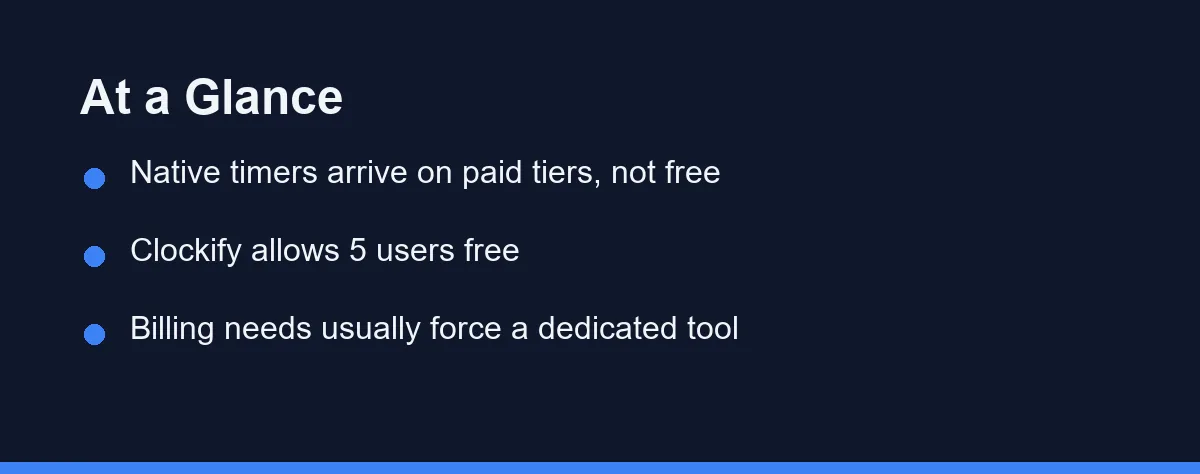
For most small teams the answer is the cheaper of two numbers. Moving eight people from Asana Starter at $10.99 per user monthly to Advanced at $24.99 adds about $112 a month. Clockify Standard at $5.49 per user billed annually would add roughly $44 for the same eight people. Choose the native timer when the upgrade also buys features you wanted anyway, and choose a dedicated tool when you bill clients from those hours.
The decision looks like a feature question and behaves like a pricing question. Every major project platform now ships some form of timer, so the real fork is which tier holds it and what the hours have to do afterwards.
Teams that skip that second half end up tracking hours twice.
What Counts as Built-In Time Tracking
The phrase covers two different things, and vendors rarely separate them in marketing copy. One is a real native timer that records hours against a task inside the platform.
The other is an integration slot. Asana describes time tracking with integrations on its Starter plan, which means a third-party timer can write into the task rather than the platform recording hours itself.
That distinction changes the price. Asana lists estimated-versus-actual time comparison from the Advanced tier at $24.99 per user per month billed annually, or $30.49 billed monthly, as of Aug 2026.
ClickUp draws its line lower. Native time tracking appears from the Unlimited plan at $7 per user per month billed annually, or $10 monthly, while the Free Forever plan does not include it.
Where the Native Version Usually Falls Short
Native timers do the simple job well. Hours land on the task, the project rolls them up, and nobody installs anything new.
Three gaps show up as teams grow. Per-client billable rates come first, because a timer built for effort estimation often has one rate or none at all.
Reporting across workspaces is the second gap. Hours recorded inside one project structure become awkward to slice by client, by month, or by contractor when your reporting question ignores project boundaries.
Approvals are the third. Timesheet review, locking a period, and correcting a submitted entry are payroll-shaped problems rather than project problems. Toggl Track puts approvals on its Premium plan at $14 per licence per month for the first annual year, renewing at $18.
None of these gaps matter to a team that tracks hours for its own planning. They matter enormously the first time a client disputes an invoice.
What the Numbers Look Like Per Seat
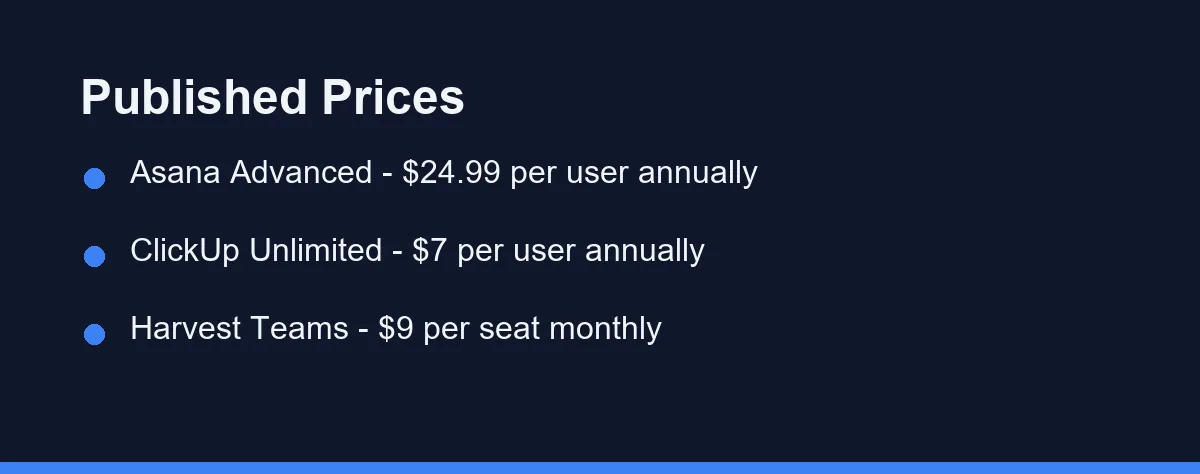
Published list prices as of Aug 2026 make the comparison concrete. Confirm current pricing on the official site before you commit, since every vendor here has moved features between tiers in the past year.
| Tool | Entry paid price | Free tier | Where time tracking sits | Trial |
|---|---|---|---|---|
| Clockify | $3.99 per user monthly, billed annually | Up to 5 users, unlimited tracking | Core product on every tier | Paid plans trial available |
| Toggl Track | $9 per licence monthly | Free for a limited number of users | Core product, approvals on Premium | 30 days |
| Harvest | $9 per seat monthly, or $108 per seat yearly | 1 seat and 2 projects | Core product with invoicing | 30 days |
| ClickUp | $7 per user monthly, billed annually | Free Forever, no native timer | Unlimited plan and above | Free plan acts as trial |
| Asana | $10.99 per user monthly, billed annually | Personal plan, 2 users | Actual time on Advanced, $24.99 | Trial on paid plans |
Two patterns fall out of that table. Dedicated tools price time tracking as the product, so it appears at the bottom of the range, and platforms price it as an upsell that sits one or two tiers up.
Harvest offers the clearest small-team case. A single freelancer stays free on 1 seat and 2 projects, and a five-person studio pays $45 a month on Teams. Our guide to per-user versus flat-rate pricing shows how that gap widens as headcount grows.
Annual billing changes the arithmetic more than most teams expect. Harvest advertises 20 percent off for yearly payment, which turns $9 per seat monthly into $108 per seat for the year.
The Upgrade Trap in Bundled Time Tracking
Bundling looks efficient until you price the whole bundle. The upgrade charges every seat, including people who will never start a timer.
A ten-person team where three consultants track billable hours illustrates the problem. Asana Advanced at $24.99 per user costs about $250 a month across everyone, while three Harvest seats at $9 cost $27 and leave the other seven on the cheaper plan.
The reverse holds when the upgrade tier carries other things you want. Portfolios, workload views, custom rules, and advanced reporting often sit on the same tier, and paying once for all of it beats paying twice for two products.
Write down the features you would actually switch on. If time tracking is the only line item pulling you up a tier, that is a strong signal to keep it separate, and the same test appears in our SaaS subscription audit.
Which Setup Fits Your Team
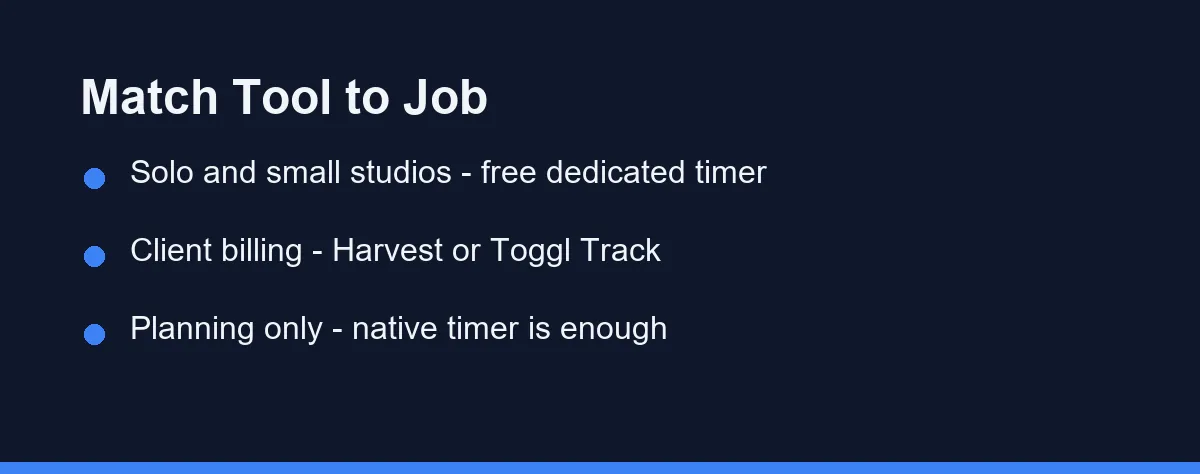
Solo freelancer: Use a free dedicated timer. Harvest covers 1 seat and 2 projects at no cost, and Clockify allows up to 5 users free, so your project tool never needs an upgrade.
Small studio billing clients by the hour: Choose the dedicated tool. Rates, approvals, and invoicing live there, and Harvest Teams at $9 per seat monthly or $108 yearly is cheaper than most platform upgrades.
Agency with contractors: Dedicated, without much debate. You need per-person rates and clean exports, and contractors should not need a paid seat in your project platform to log hours.
Product team estimating effort: The native timer wins. Asana Advanced or ClickUp Unlimited keeps estimates and actuals next to the task, which is the only place that comparison means anything.
Team already on a top tier: Use what you have. If you pay for Advanced or Business for other reasons, adding a second tool creates two sources of truth for no saving.
Billing and Invoicing Change the Answer
Follow the hours to their destination. Hours that end in an invoice belong in a tool that produces invoices, and hours that end in a planning conversation belong next to the plan.
Harvest ships invoicing with tracked time, which removes a manual export step every month. Toggl Track publishes billable rates, project estimates, and revenue analysis from Starter at $9 per licence, with profitability analysis and fixed-fee projects on Premium.
Native timers rarely close that loop. You export a CSV, reshape it, and paste totals into an invoicing tool, which is fine at five invoices a month and painful at fifty.
Payroll adds a second destination. If tracked hours feed timesheets for hourly staff, approvals and locked periods stop being a convenience.
The Migration Cost Nobody Budgets
Switching direction later is more expensive than the licence difference. Historical hours are the reason.
Most platforms export time entries, but the fields rarely match the fields your next tool expects. Client, project, task, rate, billable flag, and approval status all need mapping, and one missing field can break a year of reporting.
Test the export before you commit rather than after. Run a week of real tracking, export it, and open the file with the question you will ask in twelve months.
Keep a plain archive of each closed year. A CSV in your own storage costs nothing and survives every vendor change, which our project management rollout guide treats as part of any tool decision.
Agree the Rules Before You Pick the Tool
Teams argue about tools when the real disagreement is about rules. Settle four questions first, because the answers narrow the shortlist quickly.
Decide who tracks. Billable staff only, everyone, or nobody outside client work are three different products, and the last one rules out per-seat upgrades entirely.
Decide the smallest unit. Six-minute increments suit legal and agency billing, and fifteen-minute rounding suits internal planning, so check that your candidate tool supports the rounding rule you already use with clients.
Decide what a project means. Time data becomes useless when one person logs to a client, another to a deliverable, and a third to a sprint, which no amount of licence spending will fix.
Decide who reviews. If nobody reads the weekly total, the tracking habit dies within a month, and the cheapest plan is then the correct plan.
What Tracked Hours Cannot Tell You
Hours measure attendance at a task, not progress on it. Two developers can log the same eight hours on the same ticket and deliver very different work.
Treat the totals as a planning input rather than a performance metric. Teams that publish per-person hour rankings usually get longer logged hours and worse estimates within a quarter.
Estimation improves for a narrower reason. Comparing estimated against actual time on repeated work reveals which task types you routinely underprice, which is the one insight worth the tracking overhead.
Billing accuracy is the other honest win. Recovering two unbilled hours a week at a modest rate already exceeds the cost of any plan in the table above.
Decide by Where the Hours Have to Land
Two questions settle this. Do those hours turn into an invoice, and would the upgrade tier earn its price without the timer?
Two yes answers point to a dedicated tool, and one yes on the second question points to the native timer. A team answering no to both should track nothing beyond rough estimates, because unused time data costs money to collect.
Price the whole team rather than the feature. The published numbers above change fast, so run your own headcount through both options before renewal rather than at renewal.
FAQ
Do project management tools include time tracking?
Yes, on most platforms, but usually not on the cheapest tier. ClickUp lists native time tracking from the Unlimited plan at $7 per user per month billed annually, and Asana places estimated-versus-actual time on Advanced at $24.99 per user per month billed annually. Free tiers generally stop at integrations with an outside timer.
Is a separate time tracking app cheaper than upgrading a plan?
Compare the upgrade cost against a standalone seat. Moving an eight-person team from Asana Starter at $10.99 to Advanced at $24.99 costs about $112 more per month, while Clockify Standard at $5.49 per user annually would cost roughly $44. The upgrade only wins when you also want the other Advanced features.
Does adding a second tool always mean paying twice?
Not always. Toggl Track and Harvest both publish free tiers, and Clockify allows up to 5 users free with unlimited time tracking. A freelancer or a two-person studio can often run a dedicated timer at no cost while staying on a free project plan.
When should a team move to a dedicated time tracking tool?
Billing is the usual trigger. If you invoice clients from tracked hours, a dedicated tool such as Harvest at $9 per seat per month keeps rates, approvals, and invoices in one place. Teams that only need rough effort data for planning rarely need that machinery.
What do teams most often regret about built-in time tracking?
Reporting granularity and history. Native timers usually attach hours to a task inside one workspace, so cross-project reporting, per-client rates, and multi-year exports are often thin. Check whether the export includes the fields your accountant or your client contract actually needs.
Some links may be affiliate links. We may earn a commission at no extra cost to you.
This article was written with AI assistance. It is researched and fact-checked, not based on personal hands-on testing unless explicitly stated.
Comments
Post a Comment