A Setting Most People Never Revisit
For most small lists, the answer is double opt-in: public forms attract bots and typos, and a small list cannot absorb either. Single opt-in is defensible at e-commerce checkout, where the address was already verified by an order confirmation.
Somebody picked this option during setup, probably in the first hour of using the platform, and nobody has looked at it since. It quietly shapes every list you build afterwards.
The choice is simple to describe. Either a new signup joins your list immediately, or they receive an email asking them to click a link before joining.
That one click changes your subscriber count, your bounce rate, your complaint rate, and the evidence you hold if somebody disputes a signup. For a list under a few thousand people, the effects show up faster than most owners expect.
This guide covers what each option does to a small list, where the extra step earns its cost, and how to lose fewer real subscribers when you switch it on.
What the Confirmation Step Actually Changes
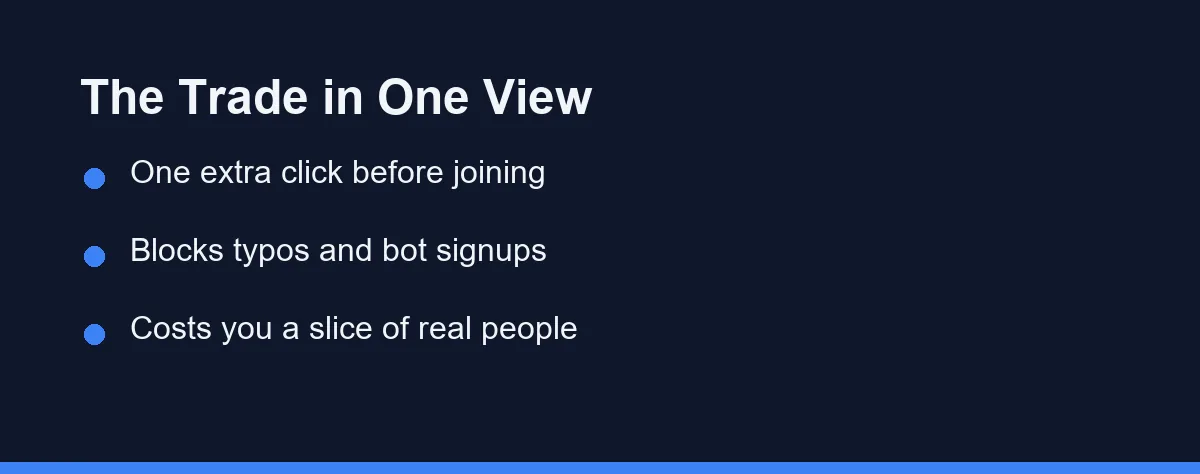
Single opt-in adds the address the moment the form is submitted. The subscriber count moves immediately, and your welcome sequence starts without delay.
Double opt-in inserts a confirmation email between the form and the list. The address sits in a pending state until somebody clicks, and unclicked entries never become subscribers.
Three groups fail to click. Bots and scrapers cannot, mistyped addresses never arrive, and a share of genuine humans simply lose interest or miss the email.
Only the third group is a real loss. The first two were never going to read anything you sent, and they were quietly damaging your sending reputation.
Why Small Lists Feel the Difference First
A large established list absorbs bad addresses without noticing. A list of 400 people feels every one of them, because each bad address is a quarter percent of the total.
Bounce rates behave the same way. Ten dead addresses out of 200 signups produce a bounce rate that mailbox providers treat as a warning sign.
Complaint rates are harsher still. Google’s sender guidelines ask you to keep the spam rate in Postmaster Tools below 0.10% and never reach 0.30%. One person clicking the spam button on a list of 300 can cross that line, while a list of 30,000 would never notice.
Small lists also tend to be young lists. Early sending history carries extra weight with mailbox providers, and starting clean matters more than cleaning up later.
Comparing the Two on What Matters
Neither option wins across the board, so compare them by the outcome you care about rather than by the recommendation you read somewhere.
| What you care about | Single opt-in | Double opt-in | Which one wins |
|---|---|---|---|
| Headline subscriber count | Grows faster, includes dead weight | Grows slower, counts only confirmed people | Single, on paper only |
| Bounce and complaint rates | Absorbs typos and bots directly | Filters most of them before they land | Double, clearly |
| Signup to first email speed | Instant, welcome sequence starts at once | Delayed by however long the click takes | Single |
| Evidence that somebody consented | Form submission log only | Timestamped confirmation click on record | Double |
| Lead magnet delivery | Simple, file goes out immediately | Needs the reward tied to the confirm link | Single, unless you restructure |
| Engagement rates in reporting | Diluted by addresses that never open | Cleaner denominator, more honest numbers | Double |
| Recovering from a bought or scraped list | No filter, damage lands on your domain | Most bad addresses never confirm | Double |
| Setup and ongoing effort | Nothing to maintain | One more email to write and monitor | Single |
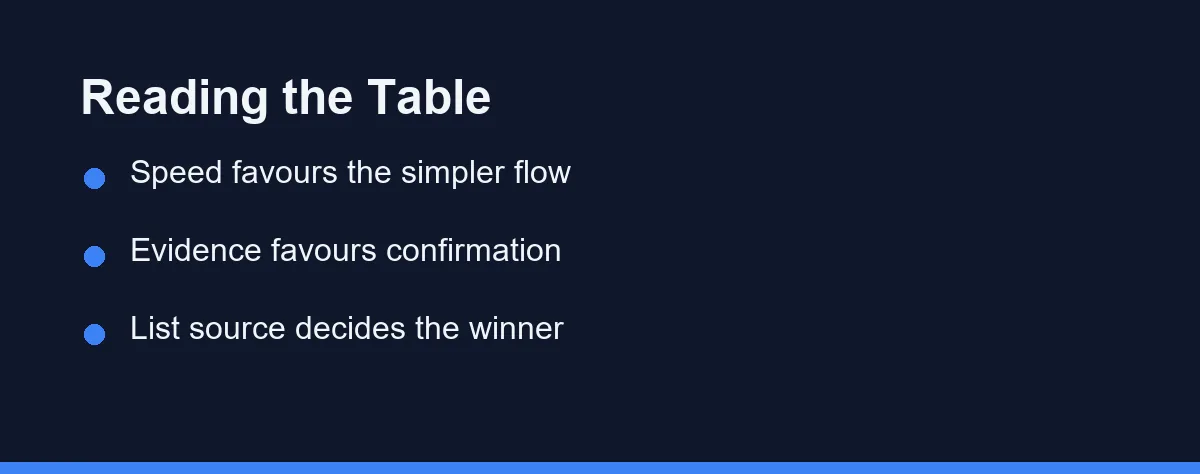
The pattern is consistent. Single opt-in optimises for speed and volume, while confirmation optimises for list quality and for the record you can produce later.
Your signup source usually settles the argument. A public form on a busy site collects far more junk than a checkout page where somebody typed a card number.
What Confirmation Does Not Fix
Confirmation is not a compliance product. Privacy rules differ by country and sector, and no platform setting makes you compliant on its own. In the US, the FTC’s CAN-SPAM guide does not require permission before you send commercial email. It does require honoring opt-outs within 10 business days, with penalties of up to $53,088 for each violating email.
It also does nothing about relevance. People who confirm and then find your emails uninteresting still drift away, and a clean list of bored subscribers performs badly.
Deliverability improves indirectly rather than directly. Mailbox providers watch opens, complaints, and bounces, so confirmation helps by improving those inputs rather than by being visible to them.
Nor does it protect a list built the wrong way. Addresses bought from a vendor remain a bad idea, and the confirmation step mainly shows you how bad by leaving most of them unconfirmed.
Making Confirmation Cost You Less

Most of the loss comes from a weak confirmation email, and that is fixable. Treat it as a real message rather than a system notification.
Put the reward behind the click. If your form promises a checklist or a template, deliver it from the confirmation link, which turns the extra step into the path to something wanted.
Say what happens next in plain words. A line naming what you send and how often gives somebody a reason to complete the step.
Send it instantly and check where it lands. A confirmation that arrives twenty minutes later, or drops into a promotions tab, loses people who were ready to click.
Set expectations on the form itself. A short line telling people to watch for a confirmation email removes the surprise that makes them ignore it.
Review the unconfirmed queue weekly. Most platforms let you send one reminder, and a single well-timed nudge recovers a meaningful share of genuine signups.
Watch the confirmation rate as a metric in its own right. A sudden drop usually means a deliverability problem rather than a sudden change in your audience.
What the Confirmation Email Should Contain
The default template your platform ships is the weakest version of this email. Rewriting it takes fifteen minutes and changes your confirmation rate more than any other adjustment.
Send it from a name people recognise. Your own name or your business name beats a generic system sender, and a reply-to address that works signals that a person sits behind it.
Write a subject line that names the thing they asked for. Confirm your subscription describes your admin process, while your checklist is one click away describes what they wanted.
Keep the body to a few lines with one button. Competing links split attention, and a second call to action in a confirmation email reliably lowers the click rate on the first.
State what happens afterwards in one sentence. Naming the frequency and the topic gives somebody a reason to complete a step they did not expect.
Add a short line for the people who find it in spam. A note telling them to move it to the inbox helps your future emails land in the right place.
Check the mobile rendering before you finish. Most confirmations get opened on a phone, and a button that falls below the fold on a small screen loses clicks for no good reason.
Reading the Numbers After You Switch
Two metrics tell you whether the change is working, and neither is your subscriber count.
Confirmation rate is the first. Divide confirmed subscribers by total form submissions, then watch that ratio over several weeks rather than reacting to a single bad day.
Bounce rate on your next campaign is the second. A meaningful drop here is the clearest sign that the filter caught addresses that would have damaged your sending reputation.
Open rates will look better afterwards, and that improvement is partly an illusion. Removing addresses that never opened anything raises the percentage without changing how many humans read your emails.
Watch for a confirmation rate that falls off a cliff. That pattern usually points at a deliverability problem with the confirmation email itself rather than at a change in your audience.
Give it a full quarter before judging. Small lists produce noisy weekly numbers, and one popular post can distort a month of signup data.
Switching an Existing List Without Breaking It
Turning the setting on affects new signups only. Your existing subscribers stay where they are, and no platform retroactively unconfirms people.
That makes the change low risk to try. Run it for a month, compare confirmation counts against your previous signup counts, and look at bounce rates over the same window.
Resist the urge to reconfirm your whole list at the same time. A mass reconfirmation campaign typically loses a large share of quiet but real subscribers, and it is a separate decision with a much bigger downside.
If you are moving platforms as well, sequence the two changes. Our guide to switching email marketing platforms without losing subscribers covers the import steps that already put your list at risk.
Keep an eye on where your free plan limits sit during the transition. Pending contacts sometimes count toward the contact cap, and our note on when to start paying for email marketing software explains which limits usually bite first.
Which Setting Fits Your List
The newsletter with a public signup form: Use confirmation. Public forms attract bots and typos, and your list is small enough that both hurt.
The e-commerce store collecting at checkout: Single opt-in is defensible here. The address was verified by an order confirmation, and adding a click between purchase and welcome email costs real revenue.
The freelancer with a lead magnet: Use confirmation and deliver the file from the confirm link. You lose the people who were only ever collecting free files.
The local service business collecting addresses in person: Confirmation gives you a record that matters when somebody forgets they signed up at an event. Handwritten addresses also produce the most typos of any source.
The team emailing existing customers only: The relationship already exists, so the extra step adds friction without much benefit. Focus your effort on a clean unsubscribe path instead.
The business emailing across several countries: Take confirmation, and keep the timestamps. Rules vary by market, and an audit trail is easier to produce than an explanation.
The owner still deciding between email and social channels: Settle that question first, since it changes how much this one matters. Our comparison of email marketing against social media sets out that trade.
Mistakes That Waste the Extra Step
Sending the confirmation email from a no-reply address is the first. People check who sent it before clicking, and an anonymous sender reads as a phishing attempt.
Writing a confirmation email that looks like a system alert is the second. Plain grey text with a bare link converts far worse than a message that sounds like a person.
Ignoring the pending queue is the third. Unconfirmed entries pile up, count against plan limits on some platforms, and represent people who nearly joined.
The last mistake is judging the switch by subscriber count alone. A smaller confirmed list that opens and clicks is worth more than a bigger one that quietly drags your sender reputation down.
Confirmation keeps the billable count honest too, since unconfirmed entries occupy paid slots on some plans. That cost surfaces at the next tier line, which why your email marketing bill jumps when the list grows works through with current plan figures.
Shopify stores reach that tier line sooner than most senders, because the list grows through checkout rather than a signup form. Omnisend vs Klaviyo for small Shopify stores compares how the two ecommerce-first platforms count and bill those contacts.
Confirmed subscribers still need honest engagement numbers once the emails start going out. How Apple Mail Privacy inflates open rates shows which metrics the proxy distorts and how Mailchimp, Klaviyo, and Brevo filter it.
A confirmation email that sits in Gmail Promotions can wait hours before anyone notices it, which quietly lowers your confirmation rate. Why your marketing emails land in the Gmail Promotions tab covers what pushes signup mail there and the one request that helps readers move it.
FAQ
How many subscribers will I lose if I switch on confirmation?
Expect roughly a fifth to a third of new signups never to confirm, though the figure swings with your audience and your confirmation email. Much of that loss is bots, typos, and people who forgot they signed up. The rest is a real cost, and a clearer confirmation email recovers a good share of it.
Does double opt-in make me compliant with privacy rules?
No single mechanism satisfies a privacy law by itself. Confirmation produces a timestamped record that your address holder actually asked to join, which is useful evidence, and rules differ by country and by sector. Check the requirements for the markets you email.
Can I use confirmation on one list and not another?
Most platforms expose it as a per-audience setting rather than an account-wide switch, so you can run confirmation on a public newsletter form and skip it for a checkout list. Names and locations differ, so confirm the current option on your provider's documentation.
Will confirmation improve my deliverability by itself?
Mailbox providers watch engagement, complaints, and bounces rather than your signup method directly. Confirmation helps indirectly by keeping fake and mistyped addresses out, which lowers bounces and complaints over time.
What if my signup form promises an instant download?
Send the lead magnet from the confirmation click rather than from the signup form. The reward then depends on confirming, which lifts confirmation rates well above a plain please confirm your subscription message.
Sources
- Gmail Help: Email sender guidelines — checked 2026-10-01
- FTC: CAN-SPAM Act: A Compliance Guide for Business — checked 2026-10-01
Some links may be affiliate links. We may earn a commission at no extra cost to you.
How this article was made: it was drafted with AI assistance from the official sources listed above, and its figures were checked against those pages on the dates shown. It is not based on personal hands-on testing.
Comments
Post a Comment