
Two Names on Every Shortlist
Choose Mailchimp if you mainly send newsletters, and HubSpot if you want email tied to a CRM. Mailchimp is the faster, cheaper start for simple campaigns. HubSpot’s free CRM suits teams tracking deals, though its paid marketing tiers climb steeply. Many small teams run both, keeping contacts in HubSpot and sending from Mailchimp.
Two names dominate almost every small business email shortlist, and they are rarely compared on equal terms. HubSpot and Mailchimp both promise to make customer email easier. Yet they solve the problem from very different starting points.
Mailchimp built its name on email marketing. HubSpot built its name on being an all-in-one platform that links marketing to a full CRM. That gap shapes almost every decision that follows.
Many owners feel torn because both names show up everywhere. The trick is to ignore reputation and study how each tool actually works, since a platform that fits your workflow beats one with a louder marketing budget.
This guide compares the two for a small business choosing an email or marketing platform. If you are still surveying the field, it also helps to skim the best email marketing software before you commit.
Email Alone or Email Inside a Sales Process

If you mainly need newsletters and simple campaigns, Mailchimp is usually the faster, cheaper start. Its email-first design keeps things approachable, and most small teams can send a decent campaign on day one.
If you want email tied to a real CRM, HubSpot fits better. It treats email as one part of a larger marketing and sales system, which helps when contacts, deals, and follow-ups all matter.
Neither tool is simply better. The right answer hinges on whether email is the whole job or the first step in a sales process that continues by phone, quote, and follow-up.
Five Questions Before You Compare Brands
Before comparing brands, define what your business actually needs from email. A short list of priorities stops you from paying for features you will never touch. It also keeps the choice grounded.
Focus on these core factors:
- Core focus: Whether you need email marketing or a broader CRM suite.
- Automation: How advanced your workflows and triggered journeys must be.
- Contact management: How you want to store, tag, and segment your audience.
- Ease of use: How quickly your team can learn and run campaigns.
- Pricing model: How costs scale as your contact list and feature needs grow.
Weigh these against your team’s time and skill. A powerful platform helps little if nobody sets it up well, and sometimes the simpler tool wins on adoption alone.
Think about where your business will be in two years. Switching platforms later means moving contacts, rebuilding automations, and retraining staff, so choosing with growth in mind saves painful migrations.
Deliverability, reporting, and integrations round out the checklist. Both platforms handle sending reputation and offer open and click reports, so decide whether you need basic stats or deeper attribution tied to sales.
Mailchimp Leads With Email
Mailchimp is an email-first marketing platform aimed at small businesses and creators. It is known for a friendly interface, ready-made templates, and a generous starting tier. Many owners run their whole newsletter from it.
Over time it added landing pages, basic automations, and light CRM features. Still, its heart remains email and audience management. That focus keeps it simple, though deep sales workflows are not its strength.
Small teams like that they can launch a campaign without a specialist. The templates and drag-and-drop editor lower the barrier for beginners. For a solo owner, that speed often matters more than raw power.
These two are not the only options for small business email, either. Tools like Constant Contact or Brevo may suit specific budgets and workflows, and our Mailchimp vs Constant Contact comparison covers one of those pairings.
HubSpot Leads With the CRM
HubSpot is a broader platform that bundles marketing, sales, and service around a free CRM. Email is one tool inside a larger system. Contacts, deals, and pipelines all live in the same place.
This design suits teams that want marketing and sales aligned. The free CRM lowers the entry barrier, but advanced marketing tiers add cost. It rewards businesses ready to use more than email.
The payoff is context around every contact. You can see which emails a lead opened before a sales call, and that shared history helps small teams follow up with better timing.
The CRM itself has stayed genuinely free for years, covering contact records, deal pipelines, and a modest volume of marketing email each month. What is not free is the marketing depth, so removing branding, running multi-step workflows, and lifting send limits all sit on paid Marketing Hub tiers.
Where They Diverge
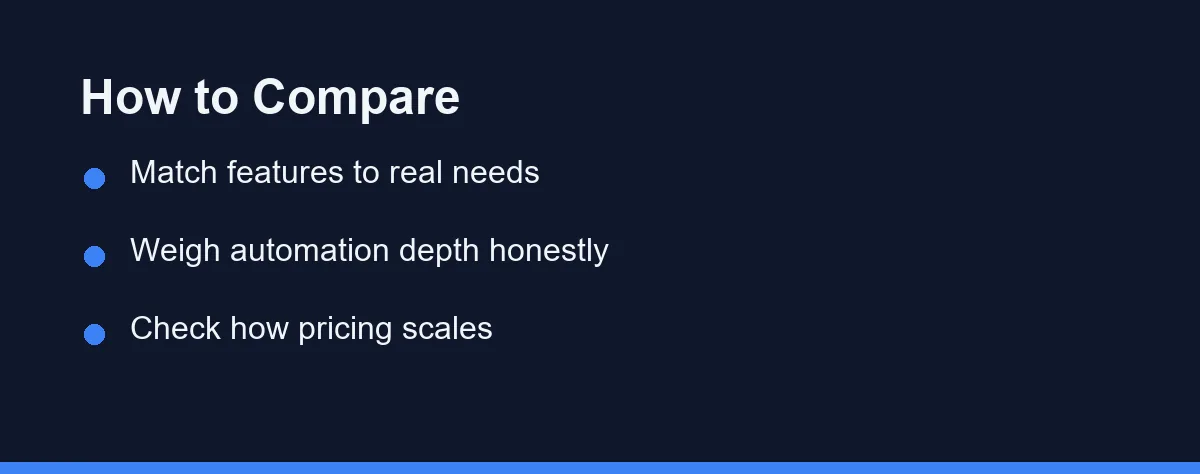
The table below compares both platforms on practical buying criteria. Use it as a starting point, not a final verdict. Weight each row to match your own priorities.
| Criteria | HubSpot | Mailchimp |
|---|---|---|
| Core focus | Full CRM and marketing suite | Email-first marketing |
| Automation / workflows | Deep, multi-step journeys | Solid, but lighter at low tiers |
| CRM / contact management | Built-in CRM with deals and pipelines | Audience lists, tags, basic CRM |
| Ease of use | Approachable, but larger to learn | Very beginner friendly |
| Pricing model | Scales with contacts and features | Scales with contacts and sends |
| Best fit | Teams wanting all-in-one growth | Small teams focused on email |
HubSpot tends to win on depth, automation, and unified data. Mailchimp tends to win on simplicity and a gentle learning curve. The right column depends on how much beyond email you truly need.
Both scale their cost with contact counts, so your list size matters as much as the feature list. A large audience can raise either bill quickly.
You Can Run Both
The comparison assumes a choice, and plenty of small teams never make one. Running HubSpot’s free CRM alongside Mailchimp is a common setup that gets overlooked in every head-to-head article.
The split is clean. Contact records, deals, and notes live in the free CRM, while Mailchimp continues to send the campaigns, connected through the native integration or a tool like Zapier.
The trade-off is that engagement data lives in two places. Sync rules need attention, especially around unsubscribes, since an opt-out recorded in one system must not be ignored by the other.
Try this before paying for either platform’s upper tiers. It often delivers exactly what people think they need an all-in-one suite for, at a fraction of the monthly cost.
How Contacts Are Counted and Billed
Pricing for both platforms shifts often, so treat any figures you find elsewhere with caution. Plans, tiers, and contact limits change year to year. Always confirm current pricing on the official sites as of 2026.
As of September 2026, Mailchimp’s free plan covers 250 contacts and 500 sends a month, and its Essentials plan starts at $13 per month. Paid plans charge by contacts and monthly sends. Costs climb as your audience grows and as you unlock advanced automation, though basic email usually stays affordable early on.
HubSpot offers a free CRM with paid Marketing Hub tiers layered on top. Its free tools allow 2,000 email sends per calendar month, with HubSpot branding. Prices rise with marketing contacts and feature tiers, and Marketing Hub Professional starts at $800 per month as of October 2026.
Watch how each tool counts billable contacts, since the rules differ. Some plans charge for every stored contact, while others count only marketing subscribers, and that detail can change your total more than the headline price.
Two habits protect the bill. Model your cost at a realistic future list size rather than today’s, and clean inactive addresses regularly, because both platforms bill by contact count. For accurate numbers, compare the official Mailchimp plans against HubSpot’s at your real contact count.
Which Platform Fits Your Situation
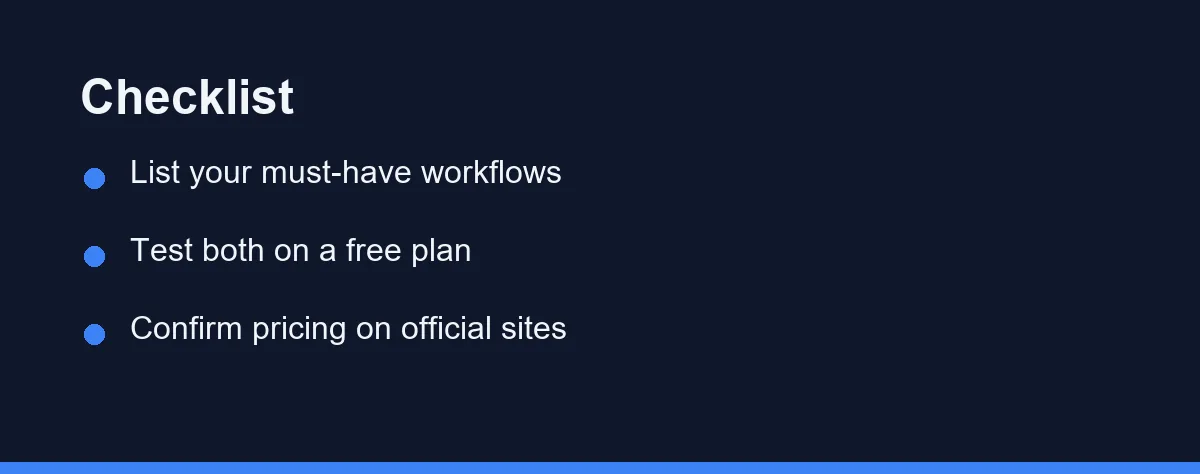
The table weighs criteria without making the call. Here is a direct answer for the situations small businesses describe most often.
The shop or studio sending a monthly newsletter: Choose Mailchimp. Your email is a broadcast rather than a sales process, and HubSpot’s CRM depth would sit unused while adding concepts to learn.
The B2B service business with a real sales cycle: Choose HubSpot. Seeing which pages and emails a lead touched before the call is the whole point, and that context never lives comfortably in an email-only tool.
The team already tracking deals in a spreadsheet: Start with HubSpot’s free CRM and keep sending from wherever you send today. Consolidation can wait until the CRM habit sticks.
The e-commerce store with abandoned cart and post-purchase flows: Choose Mailchimp. Store integrations and the standard revenue flows are well covered, and HubSpot’s advantage in sales pipelines does little for self-serve checkout.
The business worried about cost as the list grows: Choose Mailchimp and prune inactive contacts every quarter. Both bill by contact count, but HubSpot’s marketing tiers climb faster once you unlock the features that justify it. Confirm current pricing on each official site before you model the year ahead.
Choosing Deliberately
The most expensive mistake here is buying on brand rather than need. A full CRM sounds impressive, yet a simple newsletter tool may serve you better, and paying for deep workflows you never build wastes money every month.
Keep an exit in mind as well. Locking your contacts into one tool without a clean export makes switching painful later, so keep tidy records from the start.
Remember that you can begin small and grow into a bigger tool. Many businesses start with focused email, then move to a full CRM as they scale, and a deliberate first choice makes that later step far smoother.
Define your priorities, test both on their free plans, and verify current pricing directly. With a clear list of needs, the right platform usually becomes obvious.
Budget-focused rivals deserve a look before you commit a list. GetResponse vs Brevo weighs two lower-cost platforms on the same criteria.
A store running on Shopify faces a narrower version of this decision, where the depth of the platform integration matters more than the general CRM feature list. Omnisend vs Klaviyo for small Shopify stores works through that pairing for a modest list.
FAQ
Is HubSpot or Mailchimp better for small business?
For simple email newsletters and campaigns, Mailchimp is often the better start thanks to its email-first design and low entry cost. HubSpot wins when you also need a built-in CRM and deeper automation. Confirm current plan limits on each official site.
Which is cheaper, HubSpot or Mailchimp?
Mailchimp usually costs less at low contact counts, especially for basic email. HubSpot can grow expensive as you add marketing features and contacts, though its free CRM offsets some cost. Check current pricing on the official sites.
Can you move from Mailchimp to HubSpot later?
Yes, both platforms let you export contacts and campaign data, and migration guides exist for each. Expect some manual cleanup of tags, lists, and automations during the move. Plan time to test before you switch.
Is HubSpot's free CRM really free, or does it force an upgrade?
The CRM itself has stayed genuinely free for years, covering contact records, deal pipelines, and a modest volume of marketing email each month. What is not free is the marketing depth, so removing HubSpot branding, running multi-step workflows, and lifting send limits all sit on paid Marketing Hub tiers. Many small teams live on the free CRM indefinitely and never upgrade, which is a legitimate way to use it. Check the current free-tier limits on the official site, since the boundary between free and paid moves.
Can I run HubSpot's free CRM alongside Mailchimp instead of choosing one?
Yes, and it is a common setup that gets overlooked. You keep contact records, deals, and notes in the free HubSpot CRM while Mailchimp continues to send the campaigns, connected through the native integration or a tool like Zapier. The trade-off is that engagement data lives in two places and sync rules need attention, especially around unsubscribes. Try this before paying for either platform's upper tiers, because it often delivers what people think they need an all-in-one suite for.
Sources
- Mailchimp: Marketing Plans and Pricing — checked 2026-10-01
- HubSpot: Marketing Hub Pricing — checked 2026-10-01
Some links may be affiliate links. We may earn a commission at no extra cost to you.
How this article was made: it was drafted with AI assistance from the official sources listed above, and its figures were checked against those pages on the dates shown. It is not based on personal hands-on testing.
Comments
Post a Comment