The Folder Problem Nobody Notices Until It Breaks
Pick the storage built into the suite you already pay for: Google Drive for Workspace teams, OneDrive for Microsoft 365 teams. Choose Dropbox if your clients use every suite and you need neutral sync. Choose Box when compliance staff care about retention and audit trails.
Cloud storage stays invisible right up to the day it is not. Then a client folder reaches the wrong person, or a contractor still opens files six months after the project closed.
Nobody shops for storage because the current setup feels slow. They shop because something leaked, something got overwritten, or the finance team found four copies of the same contract. That is why this guide leads with governance and sync behavior rather than gigabytes.
The Short Answer for Most Teams
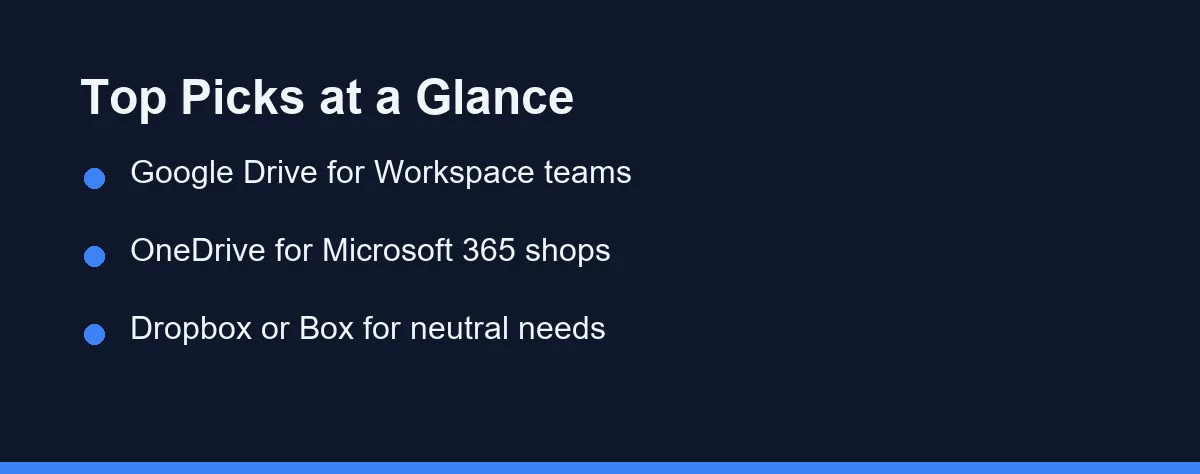
If your company already runs Google Workspace, Google Drive is the path of least resistance. If it runs Microsoft 365, OneDrive and SharePoint sit inside the apps your staff already open.
Teams with a mixed stack, or with clients who use everything, tend to land on Dropbox for sync quality. Box is the usual answer when legal or compliance staff have opinions about retention and audit trails.
Sync.com appeals to firms that want the provider itself locked out of their files. Egnyte suits companies still tied to a physical file server they cannot switch off yet.
Your Existing Suite Already Made Half the Decision
Storage is rarely bought alone, and the suite you pay for usually includes it. Paying twice for overlapping capacity is the most common way small companies waste money here.
Check what your current licenses already bundle before you compare anything. Google’s pricing page lists 30 GB of pooled storage per person on Workspace Business Starter and 2 TB on Business Standard, as of October 2026. Switching to a third-party tool means that allocation sits unused.
The tie-breaker is where documents get edited. If your team writes in Docs or Word online all day, storing those files anywhere else adds a round trip nobody enjoys.
Neutral platforms earn their place when the company works across both ecosystems. Agencies, law firms, and consultancies often deal with clients on every suite, and a vendor-independent layer keeps that manageable.
Sync, Sharing, and the Two Failure Modes
Storage products fail in two predictable ways, and both cost real hours. Knowing them makes vendor demos far easier to judge.
The first is the sync conflict. Two people edit the same file offline, and the platform quietly saves both, leaving a folder full of near-identical documents nobody trusts.
The second is the forgotten link. Someone creates a public share for a quick handoff, the link never expires, and the file stays reachable long after the relationship ends. For outside collaborators this is the argument for a client portal over a shared drive.
Ask every vendor how it handles both. Good answers involve real-time locking or clear conflict resolution for the first, and link expiry, password protection, and access reporting for the second.
Six Platforms and Where Each One Belongs
The market is led by a handful of mature products with overlapping capabilities. Each one leans toward a different buyer, and the differences show up in governance more than in storage.
Google Drive
Google Drive is the storage layer of Google Workspace and pairs with Docs, Sheets, and Slides. Real-time collaboration on everyday documents is fast and familiar to most staff. Shared drives, rather than personal folders, are what make it work for a company.
Microsoft OneDrive
OneDrive integrates tightly with Microsoft 365, the Office apps, and SharePoint. It suits organizations that live in Word, Excel, and Teams. Admins get centralized controls through the same console they already use for mail and identity.
Dropbox
Dropbox built its reputation on dependable sync across platforms and a clean sharing model. It connects with a wide range of third-party apps and stays neutral about which office suite you use. Teams with mixed client stacks often value that neutrality more than any single feature.
Box
Box targets businesses where governance leads the decision. Retention policies, granular permissions, legal holds, and workflow automation are the pitch. Regulated organizations and their compliance officers tend to shortlist it first.
Sync.com
Sync.com markets zero-knowledge encryption, meaning the provider does not hold the keys to your content. That design appeals to firms handling confidential client material. The cost is convenience, because features that require reading your files are necessarily limited.
Egnyte
Egnyte focuses on hybrid setups where an on-premises file server still matters. It bridges local storage and cloud access rather than forcing an immediate cutover. Architecture, engineering, and construction firms with huge project files are a common fit.
The Platforms Side by Side
Use the table as a shortlist tool rather than a verdict. Capabilities shift between plan tiers, so confirm anything decisive on the vendor’s own documentation.
| Platform | Best Fit | Native App Integration | Admin and Compliance | Standout Strength |
|---|---|---|---|---|
| Google Drive | Google Workspace teams | Docs, Sheets, Slides | Strong, via Workspace admin | Real-time collaboration |
| Microsoft OneDrive | Microsoft 365 organizations | Word, Excel, Teams | Strong, via Microsoft 365 admin | Office and Teams synergy |
| Dropbox | Mixed or neutral stacks | Broad third-party apps | Solid, plan dependent | Fast, reliable sync |
| Box | Regulated, governance-first | Many enterprise tools | Extensive, enterprise grade | Retention and controls |
| Sync.com | Confidentiality-first firms | Limited by design | Focused on encryption | Zero-knowledge storage |
| Egnyte | Hybrid file server setups | Desktop and server tools | Strong, hybrid oriented | Local and cloud together |
Two patterns come out of the rows. Ecosystem alignment predicts a smooth rollout better than any feature list, and governance depth is what separates enterprise buyers from small teams.
If simple collaboration is the goal, Drive and OneDrive lead inside their own suites. If independence or strict control matters more, the neutral and governance-first options earn their premium.
Security Questions Worth Asking Before You Sign
Encryption in transit and at rest is table stakes now, so it tells you very little. The useful questions are about who can do what, and what you can prove afterward.
Ask whether admins can see which external parties hold live links to company files. Ask how quickly access disappears when someone leaves, and whether that happens automatically through your identity provider.
Then ask what the audit log actually records and how long it keeps entries. A log that reaches back only a few months is little help during an investigation that starts later.
Storage security also depends on the accounts around it. Shared logins undo good permissions, so pair any rollout with proper account hygiene and see our 1Password vs Bitwarden for teams comparison.
What Per-User Storage Actually Costs
Business cloud storage is almost always billed per user, per month, with tiers that differ by allotment and admin depth. Annual billing usually carries a discount, and figures move often, so treat any quoted price as a snapshot.
For a neutral option, Dropbox lists its Standard plan at $15 per user per month, starting at 3 TB for the team, as of October 2026. That plan includes a 180-day file recovery window.
Treat the headline price as the start of the calculation. Entry tiers frequently cap advanced sharing controls, retention, or compliance certifications, and those are precisely the features that justified the purchase.
Watch for seat minimums, storage that is pooled rather than per user, and charges for external collaborators. A platform that counts every client reviewer as a licensed seat changes the math quickly.
Because plans and promotions change frequently, confirm current pricing on the official site for each shortlisted vendor at the time of writing. Factor in the storage your existing suite licenses already include, since that bundled capacity is money you have spent either way.
Which Platform Fits Your Business
The table shows the trade-offs. This section makes the call for the situations buyers describe most often.
The eight-person team already paying for Google Workspace: Stay on Google Drive and move everything into shared drives. Buying a second platform duplicates capacity you own, and the collaboration gain is real. Spend the effort on folder structure instead.
The Microsoft 365 shop with a Teams habit: Use OneDrive and SharePoint together rather than treating them as rivals. Files posted in a Teams channel already live in SharePoint, so fighting that flow creates the duplicate-copy problem you were trying to solve.
The agency juggling clients on every suite: Choose Dropbox. Neutrality is the feature, and sync reliability matters when large creative files move all day. Set link expiry as a default policy on day one.
The firm with a compliance officer and a retention schedule: Choose Box. Legal holds, granular retention, and detailed audit trails are the reason to pay a premium, and they are hard to bolt on later.
The practice handling confidential client material: Look at Sync.com, then test the workflow honestly. Zero-knowledge storage genuinely limits what the provider can see, and it also limits browser-based co-editing and search. Decide which one your work needs more.
Mistakes That Turn a Migration Into a Month
Most storage regrets come from the move, not the product. A few habits prevent the worst of it.
Do not lift and shift the whole file server unchanged. Ten years of nested folders will import perfectly and remain unusable, so prune before you move rather than after.
Do not assume shared links survive the migration. External links and app integrations usually break before the files do, so rebuild them deliberately and tell clients the old address is dead.
Do not skip the overlap period in the budget. Running both platforms for a few weeks is the safe path, and paying two vendors briefly is cheaper than an emergency rollback.
Finally, do not treat storage as a standalone purchase. It sits next to your task tracker and your support desk, so review the best project management software and the best help desk software as one stack decision.
Pilot It With One Team First
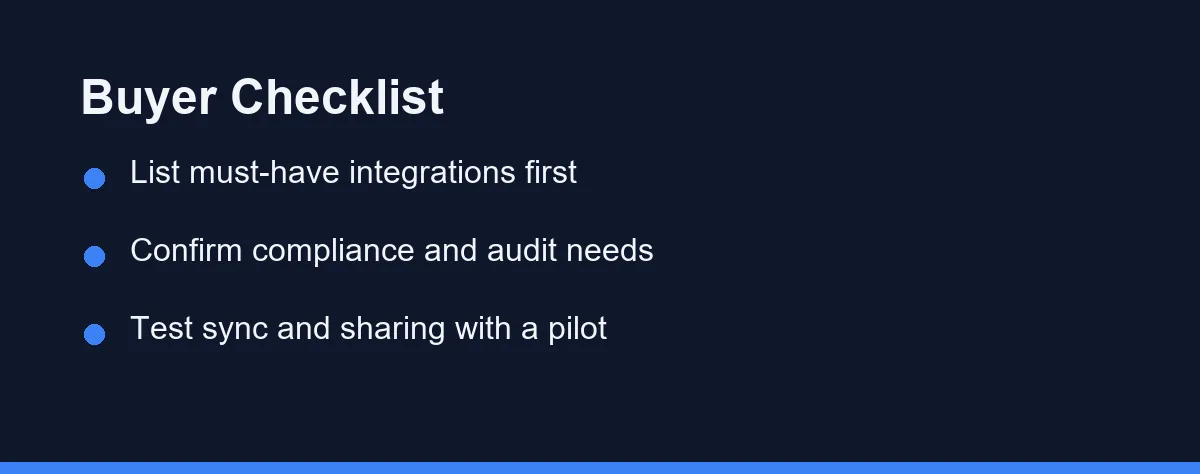
Pick the team with the messiest folders and migrate them alone. Their edge cases surface every permission gap the sales demo skipped.
Give the pilot four weeks and watch three things. Count sync conflicts, check how quickly access is revoked for a test account, and ask whether anyone reverted to emailing attachments.
If email attachments came back, the platform lost. That single behavior predicts long-term adoption better than any feature checklist.
Then confirm current pricing and compliance documentation before the full rollout. For a closer look at the two most common finalists, our Dropbox vs Google Drive for business comparison covers where each one pulls ahead.
Capacity deserves the same scrutiny as features, because the day the pool fills is the day the tool stops working for everyone. The tier arithmetic, down to the cost per gigabyte, is laid out in what happens when your team cloud storage fills up.
FAQ
What is the best cloud storage for small business teams?
It depends on your stack and budget, since teams already using Microsoft 365 often favor OneDrive while Google Workspace users lean to Google Drive. Dropbox and Box remain strong neutral options. Always confirm current plans and limits on each official site.
Is business cloud storage secure enough for sensitive files?
Leading providers offer encryption in transit and at rest, granular permissions, and audit logs that support common compliance needs. Security also depends on how you configure sharing and access. Review each vendor's compliance documentation before committing.
How much does business cloud storage cost?
Pricing varies widely by provider, per-user tier, and storage allotment, and promotions change often. Most vendors bill per user per month with annual discounts. Check the official pricing page of each service for the latest figures.
What does zero-knowledge encryption actually change for a business?
Zero-knowledge means the provider cannot read your files because it never holds the decryption keys. Sync.com and Tresorit build their pitch around it. The trade-off is real, since features like server-side search and in-browser co-editing depend on the provider being able to read content. Decide whether you need secrecy from the vendor or convenience for your team, because few products give you both.
How long does it take to migrate a team to a new cloud storage platform?
Plan for a slow overlap rather than a weekend cutover. Keep both systems running, move one team's active folders first, and rebuild shared links rather than assuming they survive. External links and app integrations usually break before the files do. Budget for paying two vendors during the overlap, since that cost is easy to forget and hard to avoid.
Sources
- Google Workspace: Pricing — checked 2026-10-01
- Dropbox: Plans — checked 2026-10-01
Some links may be affiliate links. We may earn a commission at no extra cost to you.
How this article was made: it was drafted with AI assistance from the official sources listed above, and its figures were checked against those pages on the dates shown. It is not based on personal hands-on testing.
Comments
Post a Comment