
Standard Is Enough Unless You Plan by Date
For most small teams, Trello Standard is the better buy. Premium is worth double the price only when you plan work on a timeline or run automations heavily.
As of November 2026, Standard costs $5 per user per month billed annually, or $6 billed monthly. Premium costs $10 billed annually, or $12.50 billed monthly.
The extra money buys five extra ways to see the same cards and unlimited automation runs. It does not change how cards, lists or boards work, so a team happy with the board view gets little from the upgrade.
What Standard Already Gives a Small Team
Most teams arrive at this choice after outgrowing Free. The Trello pricing page lists Standard with unlimited boards, which removes the 10-board cap that pushes teams off the free plan.
Standard raises the upload limit to 250 MB per file, up from 10 MB on Free. It adds custom fields, advanced checklists, card mirroring, collapsible lists, list colors and saved searches.
Advanced checklists are the quiet workhorse here. Each checklist item can carry its own assignee and due date, which covers a lot of light task management without any new view.
Standard also includes 1,000 Workspace command runs a month, AI features and single board guests. If you are still deciding whether to pay at all, our look at whether Trello Free is enough for a small team covers that first step.
Six Things Premium Adds on Top of Standard

Premium is a list of additions rather than a different product. Each one helps a certain kind of team, and none of them matters to every team.
Calendar and Timeline views. Cards with due dates appear on a calendar or a Gantt-style timeline, so deadline clashes show up before they happen.
Table, Dashboard and Map views. Table turns a board into a sortable list, Dashboard charts card counts, and Map places cards with a location on a map.
Workspace views. Premium adds Workspace table and calendar views, which pull cards from several boards into one place.
Unlimited Workspace command runs. Automation stops being metered, which matters once rules fire on every card move.
Admin and security features. The comparison table lists command run administration, domain-restricted invites, deactivating members and Power-Up administration.
Templates, collections, observers and export. Premium adds Workspace-level templates, collections for grouping boards, observers as a permission setting and simple data export.
Trello Standard and Premium Side by Side
The table uses Trello list prices and plan contents as of November 2026. Confirm current pricing on the official site before you buy.
| Feature | Free | Standard | Premium |
|---|---|---|---|
| Price billed annually | $0 | $5 per user per month | $10 per user per month |
| Price billed monthly | $0 | $6 per user per month | $12.50 per user per month |
| Boards per Workspace | Up to 10 | Unlimited | Unlimited |
| Upload limit per file | 10 MB | 250 MB | 250 MB |
| Workspace command runs | 250 a month | 1,000 a month | Unlimited |
| Calendar, Timeline, Table, Dashboard, Map | No | No | Yes |
| Workspace table and calendar views | No | No | Yes |
| Admin and security features | 2-factor authentication | Not listed | Yes |
| Simple data export | No | No | Yes |
| Guests | Not listed | Single board guests | Observers added |
The row that decides most cases is views. If nobody on the team asks for a timeline or a cross-board calendar, the remaining Premium rows rarely justify double the price.
The Yearly Bill for an Eight Person Team

Per-seat prices hide the real decision. Here is the sum for eight people, assuming every person needs a seat and the head count stays flat for a year.
| Plan and billing | Monthly sum | Yearly cost for 8 users |
|---|---|---|
| Standard, billed annually | $5 x 8 = $40 | $480 |
| Standard, billed monthly | $6 x 8 = $48 | $576 |
| Premium, billed annually | $10 x 8 = $80 | $960 |
| Premium, billed monthly | $12.50 x 8 = $100 | $1,200 |
Moving this team from Standard to Premium on annual billing costs $480 a year, or $60 per person. On monthly billing the gap grows to $624 a year.
Annual billing saves $12 per user a year on Standard and $30 on Premium. Our guide to annual vs monthly SaaS billing covers when committing for a year is the safer bet, and our SaaS pricing calculator reruns these sums for your own seat count.
How Fast a Team Burns 1,000 Command Runs
The automation cap is the Standard limit that bites without warning. A rule that looks small can run many times a day once the whole team uses the board.
Take a simple scenario. Assume a rule that uses one command run each time it fires, such as moving a card to Done when its checklist is complete.
If eight people each close six cards a workday, that rule fires 48 times a day. Over 22 workdays it reaches 1,056 runs, which is already past the 1,000-run Standard allowance.
Add a second rule, such as assigning new cards in an intake list, and the month runs out sooner. On Premium the same rules run without a count, which is the clearest case for paying more.
Before upgrading for this reason alone, check how your runs are actually spent. Command run administration is itself a Premium feature, so on Standard the trimming has to be done by hand.
Views Are the Real Reason Teams Upgrade
Most Premium buyers are not chasing automation. They want to see the same cards arranged by date instead of by list.
Timeline view suits work with handoffs, such as a content calendar where writing must finish before design starts. Seeing the bars overlap is faster than opening every card to read its due date.
Workspace calendar view helps a small agency running one board per client. It shows every client deadline in one place, which Standard can only approximate with a shared Google Calendar.
If your team plans week to week and nobody looks further ahead, these views go unused. In that case Standard plus advanced checklists covers the same ground for half the price.
Where Premium Still Falls Short
Premium is not the top of the range. Trello describes it as best for teams up to 100, and some controls sit only in Enterprise.
Enterprise is listed at $17.50 per user per month billed annually, which works out to $210 per user a year. It adds organization-wide permissions, multi-board guests and free single sign-on and user provisioning through Atlassian Guard Standard.
On other plans, Atlassian Guard is a separate subscription starting at $4 per user per month. A small team that needs SSO should price Premium plus Guard against Enterprise, and our look at whether SSO is worth the enterprise upgrade covers that trade-off.
Guest billing also deserves a check. Trello bills multi-board guests at the same rate as Standard or Premium members, so client-heavy Workspaces can cost more than the seat count suggests.
Which Trello Tier Fits a Growing Team
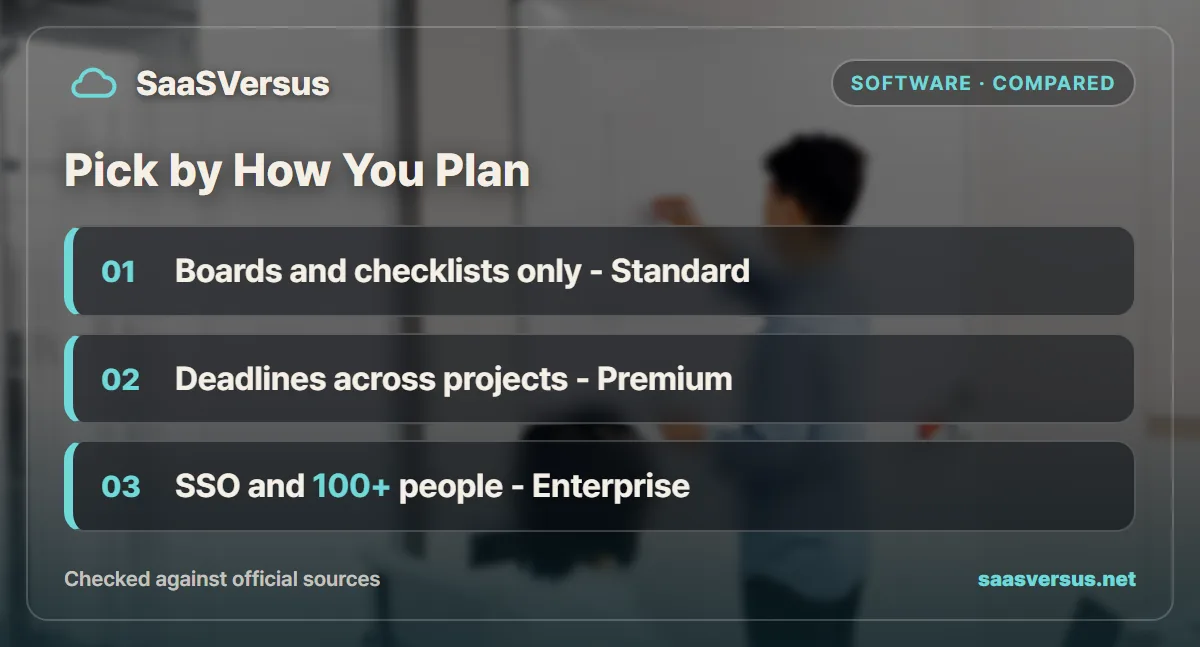
Pick Standard if your team works from boards, checklists and custom fields. It covers unlimited boards, 250 MB uploads and 1,000 command runs for $5 a seat billed annually.
Pick Premium if you plan around dates across several projects or your automations outrun 1,000 runs a month. Timeline, Calendar and Workspace views are the features that earn the extra $5.
Look at Enterprise if you need single sign-on, organization-wide permissions or more than 100 people on one plan. Pricing Guard on top of Premium first shows whether the jump is worth it.
Compare beyond Trello if the team keeps asking for timelines, workload charts and dependencies. Our Asana vs Trello comparison covers tools built around those from the start.
Questions to Answer Before You Upgrade
Start by asking who would open a timeline or dashboard each week. If you cannot name anyone, the views will not pay for themselves.
Then look at your automations. Count the rules that fire on routine card moves and estimate a month of runs for your busiest board.
Finally, check whether anyone needs export, admin controls or SSO. If all three answers point away from Premium, Standard is the plan, and the $60 per seat saved each year can fund another tool.
Whichever tier you choose, confirm current pricing on the official site when you subscribe. Trello adjusts plan contents over time, and the right tier is the one your team uses fully.
FAQ
How much more does Trello Premium cost than Standard?
Standard costs $5 per user per month billed annually, or $6 billed monthly, as of November 2026. Premium costs $10 billed annually, or $12.50 billed monthly. Confirm current pricing on the official site.
Does Trello Standard include Timeline view?
No. Trello lists Calendar, Timeline, Table, Dashboard and Map views under Premium. Standard boards use the classic board view, plus the Planner and Inbox features.
How many automation runs does Trello Standard include?
Standard includes 1,000 Workspace command runs per month. Premium lists unlimited Workspace command runs, so busy automation rules stop being something to ration.
Can you export Trello data on the Standard plan?
Simple data export is listed under Premium, not Standard. Premium also adds observers, Workspace-level templates, collections and admin and security features.
How many people is Trello Premium meant for?
Trello describes Premium as best for teams up to 100. Above that, or when you need single sign-on and organization-wide permissions, Enterprise is the tier built for it.
Sources
- Trello pricing — checked 2026-11-17
Some links may be affiliate links. We may earn a commission at no extra cost to you.
How this article was made: it was drafted with AI assistance from the official sources listed above, and its figures were checked against those pages on the dates shown. It is not based on personal hands-on testing.
Comments
Post a Comment