Standard Covers Most Teams Under 3 TB
For a small team that stores less than 3 TB and does not need single sign-on, Dropbox Standard is the right plan. Advanced earns its price when you outgrow 3 TB, need a year of file recovery or must sign in through an identity provider.
As of November 2026, the Dropbox plans page lists Standard at $15 per user per month and Advanced at $24. That is a gap of $9 per user each month, or $108 a year.
Advanced is also listed for 3 people or more. A team of one or two should start with Standard.
How Dropbox Describes the Two Plans
Both plans sit in the team section of the Dropbox plans page. They share the same desktop sync, sharing tools and admin console basics.
Standard is listed for 1 person or more, with storage that starts at 3 TB for the team. Advanced is listed for 3 people or more, with storage that starts at 15 TB for the team.
The word that matters in both lines is team. The space is a pool that everyone draws from, not a fixed amount for each person.
That pooled design suits teams with one heavy user. A video editor can use most of the space while the rest of the team stores light documents.
What Both Plans Already Include
Before paying for Advanced, check what Standard already covers. Many buyers upgrade for features that both plans list.
Both plans list file transfers of up to 100 GB. Both also list branded sharing, password-protected files, team folders, groups and roles, and the ability to edit PDFs and collect signatures.
Both plans list integration with leading AI tools and sync across all devices. Neither plan changes the transfer ceiling, which only rises to 250 GB on Enterprise.
So a team that wants to send large files to clients gains nothing on that front from Advanced. The 100 GB limit is the same on both.
Six Things Advanced Adds Over Standard
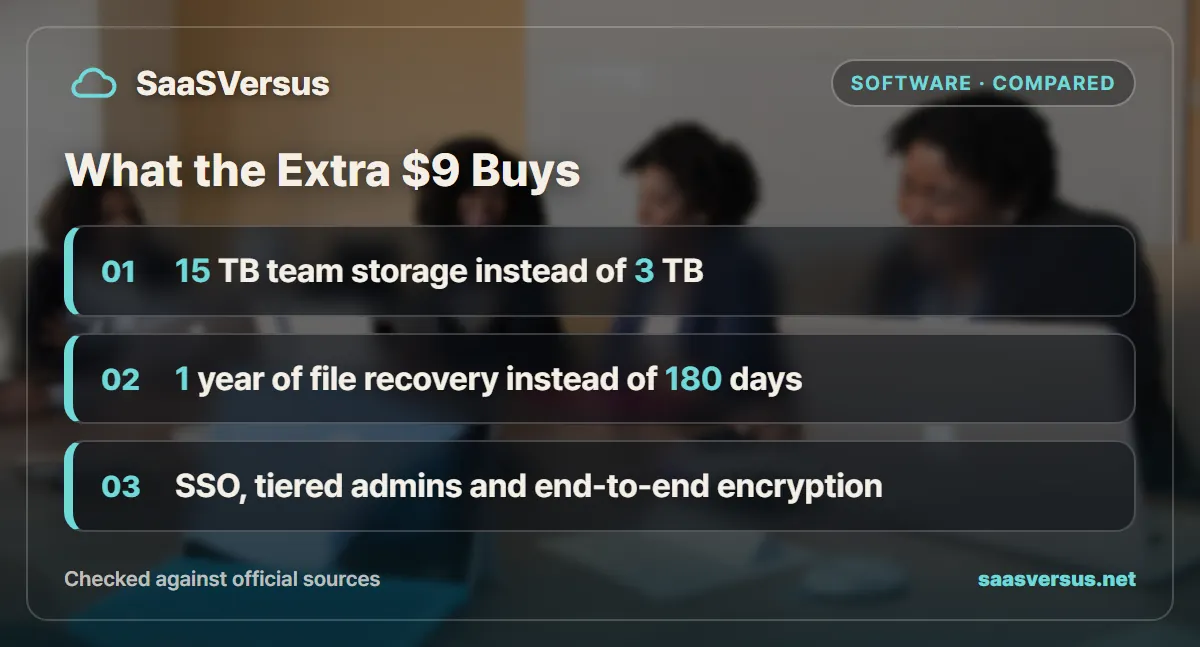
The differences fall into storage, recovery and control. The comparison page lists these for Advanced but not for Standard.
More storage. Team storage starts at 15 TB instead of 3 TB, five times the space.
Longer recovery. Deleted files and versions can be restored for 1 year instead of 180 days.
Single sign-on. Staff can sign in through the company identity provider.
Tiered-admin management. Admin roles can be split, so not every admin holds full control.
End-to-end encryption and advanced key management. These are listed for teams with stricter security needs.
Compliance tracking. This is aimed at teams that must show auditors how data is handled.
For a three-person design studio, the storage line may be the only one that matters. For a firm answering security questionnaires, SSO and compliance tracking can decide it on their own.
Dropbox Standard and Advanced Side by Side
The table uses the plans and comparison pages as listed in November 2026. Confirm current pricing on the official site, because the page offers a billing toggle and terms change.
| Feature | Standard | Advanced |
|---|---|---|
| Listed price | $15 per user per month | $24 per user per month |
| Team size | 1 person or more | 3 people or more |
| Team storage | Starts at 3 TB | Starts at 15 TB |
| Restore deleted files | 180 days | 1 year |
| File transfer size | Up to 100 GB | Up to 100 GB |
| Single sign-on | Not listed | Listed |
| Admin model | Admin control, groups and roles | Tiered-admin management |
| End-to-end encryption | Not listed | Listed |
| Compliance tracking | Not listed | Listed |
The transfer row surprises many buyers. Paying more does not raise the 100 GB limit, so that should not drive the choice.
What Three and Five People Pay in a Year
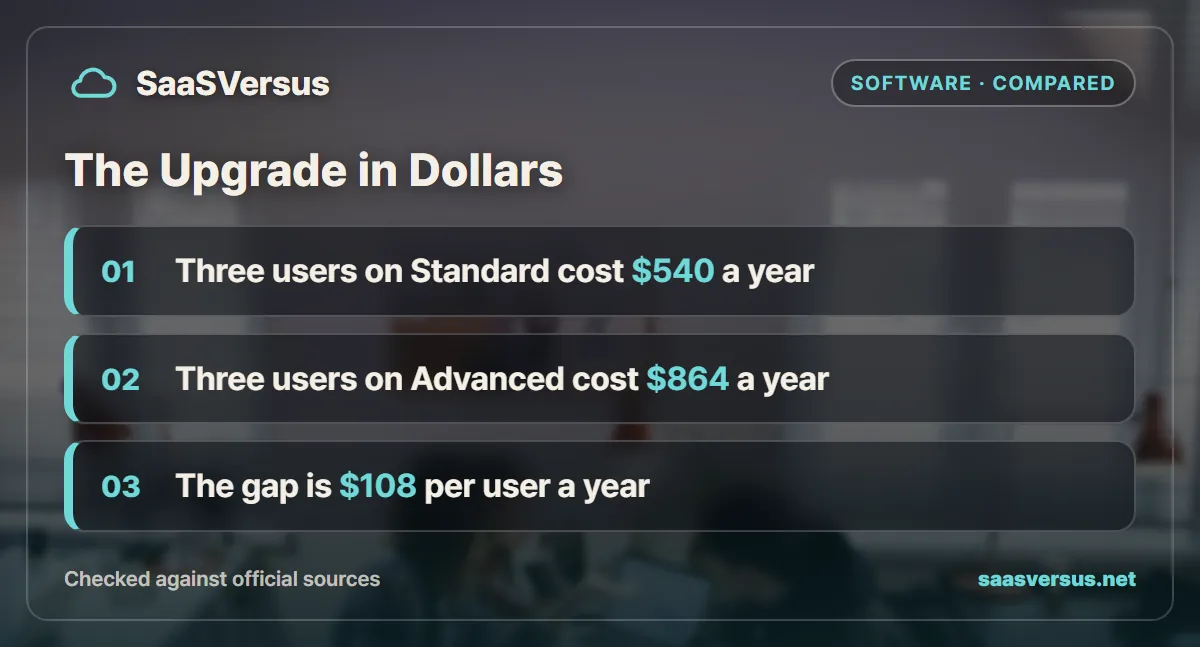
Per-seat prices hide the yearly bill. These sums use the listed prices and assume the head count stays flat for twelve months.
| Team and plan | Monthly sum | Yearly cost |
|---|---|---|
| 3 users on Standard | $15 x 3 = $45 | $540 |
| 3 users on Advanced | $24 x 3 = $72 | $864 |
| 5 users on Standard | $15 x 5 = $75 | $900 |
| 5 users on Advanced | $24 x 5 = $120 | $1,440 |
Moving three people to Advanced costs $324 more a year. At five people, the gap grows to $540.
Look at storage per dollar as well. Three users on Advanced pay 1.6 times the Standard bill but start with five times the team storage.
Our SaaS pricing calculator reruns these sums with your own seat count. Our guide to annual vs monthly SaaS billing covers when to commit to a year.
When 3 TB Runs Out
For a team of office documents, 3 TB lasts a long time. For a team that keeps raw video, photo shoots or design archives, it can fill within a year.
Count your current usage before you decide. Add up what the team holds today in Dropbox, other drives and external disks that you plan to move in.
If that total sits under 2 TB, Standard leaves room to grow. If it already sits near 3 TB, Advanced buys headroom and avoids an urgent upgrade later.
Our guide on what happens when team cloud storage fills up explains what breaks first when the pool is full. Planning ahead costs less than cleaning up in a hurry.
Why 180 Days Versus a Year Matters
File recovery is easy to overlook until someone needs a file deleted months ago. On Standard, that window is 180 days.
Consider a client who asks for an old draft at year-end review. If the file was deleted seven months earlier, Standard can no longer restore it, while Advanced still can.
Teams that handle contracts, client deliverables or tax records feel this most. Recovery is not the same as a backup, as our guide on whether cloud suites back up your files explains.
If your team rarely deletes files by mistake, 180 days is usually enough. If you have ever needed a file from last year, the longer window is worth weighing.
When Single Sign-On Decides It
The most common reason a small company moves to Advanced is not storage. It is an identity provider that the company wants every app to use.
With SSO, staff sign in through the same account they use for email. When someone leaves, turning off that one account removes their Dropbox access as well.
Whether SSO justifies the higher price is its own question. Our look at whether SSO is worth the enterprise upgrade walks through that trade-off across several tools.
Moving Up From a Personal Plus Plan
Many small teams start with one founder on Dropbox Plus and shared links for everyone else. The plans page lists Plus at $9.99 a month for 1 person with 2 TB of storage.
Plus keeps 30 days of deleted files and allows transfers of up to 50 GB. Standard raises those to 180 days and 100 GB, and adds team folders and admin control.
| Plan | Listed price | People | Storage | Restore deleted files |
|---|---|---|---|---|
| Plus | $9.99 a month | 1 person | 2 TB | 30 days |
| Standard | $15 per user a month | 1 or more | Starts at 3 TB for the team | 180 days |
| Advanced | $24 per user a month | 3 or more | Starts at 15 TB for the team | 1 year |
The jump from Plus to Standard is usually the bigger change. It moves files out of one personal account and into a space the business controls.
That matters most when someone leaves. Our SaaS offboarding checklist shows why company files should never sit in a personal account.
A founder paying $9.99 for Plus would pay $15 a month for a single Standard seat. The extra $5.01 buys a longer recovery window and a team space ready for the first hire.
Which Dropbox Plan Fits Your Team

Pick Standard if your team stores under 3 TB, signs in with ordinary accounts and finds deleted files within six months. It costs $15 per user on the listed price.
Pick Advanced if you hold large media archives, need a year of recovery or must use SSO. The extra $9 per seat per month buys five times the starting storage and those controls.
Stay on Standard if you are one or two people. Advanced is listed for 3 people or more, so it is not the natural fit for a pair.
Compare beyond Dropbox if your team already pays for Google Workspace or Microsoft 365. Our Dropbox vs Google Drive comparison covers whether the storage in your suite is enough.
Three Checks Before You Upgrade
First, measure your team storage today and estimate a year of growth. Storage is the most common reason to move up, and it is easy to measure.
Second, ask when anyone last needed a file deleted more than six months ago. If the answer is never, the longer recovery window is a nice extra rather than a need.
Third, ask whether a client or insurer requires SSO or compliance records. If the answer is no on all three, Standard is the plan to buy, and the $108 per seat each year can go elsewhere.
Whatever you choose, confirm current pricing on the official site, including the monthly and yearly toggle. Dropbox adjusts plan contents over time, and the right plan is the one your team never has to work around.
FAQ
How much more does Dropbox Advanced cost than Standard?
Dropbox lists Standard at $15 per user per month and Advanced at $24 per user per month on its plans page, as of November 2026. The page has a billing toggle, so confirm current pricing for monthly billing on the official site.
How much storage does Dropbox Standard include?
Standard starts at 3 TB for the whole team, and Advanced starts at 15 TB for the team. Dropbox describes both figures as team storage rather than space per person.
Can a two-person team buy Dropbox Advanced?
Advanced is listed for 3 people or more, while Standard is listed for 1 person or more. A team of one or two should look at Standard first.
How long does Dropbox keep deleted files on Standard?
Standard keeps 180 days of version history and deleted files. Advanced keeps 1 year, which matters if mistakes are often found months later.
Does Dropbox Standard include single sign-on?
Single sign-on is listed on the Advanced plan, not on Standard. Advanced also lists tiered-admin management, end-to-end encryption and compliance tracking.
Sources
- Dropbox plans — checked 2026-11-19
- Dropbox for business: Compare plans — checked 2026-11-19
Some links may be affiliate links. We may earn a commission at no extra cost to you.
How this article was made: it was drafted with AI assistance from the official sources listed above, and its figures were checked against those pages on the dates shown. It is not based on personal hands-on testing.
Comments
Post a Comment