Both Will Outlast Everything Else in Your Stack
Few CRM decisions carry as much weight as HubSpot versus Salesforce. Both are top-tier platforms for managing contacts, deals, and customer relationships, and both will outlast most other tools in your stack. The catch is that they solve the problem in almost opposite ways.
HubSpot earns its reputation on being approachable and quick to adopt. Salesforce earns its on depth, flexibility, and enterprise-grade muscle. Pick one and you are choosing how your sales and marketing teams will work for years, not months.
This guide cuts through the branding to the practical differences. It covers core features, ease of use, scaling, and the kind of buyer each platform genuinely suits. The goal is a match to your team, not a vote for the louder name.
If you are still surveying the field, it also helps to review the best CRM for small business before you commit.
Productive in Days, or Powerful in Months
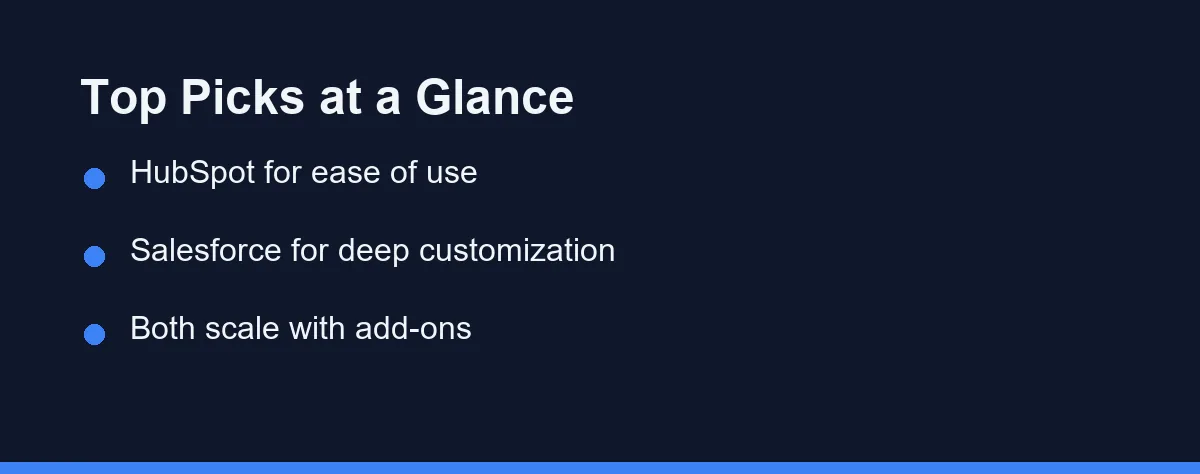
For most small and mid-sized teams that value speed and simplicity, HubSpot is the easier starting point. Its free tier and clean interface lower the barrier to entry. Teams can be productive within days rather than weeks.
Salesforce is the stronger choice for large or complex organizations. It rewards companies that need deep customization and have admin resources. Its ecosystem of integrations and tools is hard to match at scale.
Neither platform is universally “better.” The right pick depends on team size, budget, and how much customization you truly need.
Name Your Priorities Before You Watch a Demo
Before comparing brands, define what matters for your situation. A clear list of priorities prevents you from paying for features you will never use. It also keeps the decision grounded in real needs.
Consider these core factors:
- Ease of use: How fast can your team learn and adopt the tool daily.
- Customization: How much you can tailor objects, fields, and workflows.
- Integrations: Whether it connects with your email, support, and finance tools.
- Scalability: Whether the platform grows smoothly as your team expands.
- Admin overhead: How much ongoing setup and maintenance the system demands.
Weigh these against your team’s technical skill. A powerful platform that nobody configures correctly delivers little value. Sometimes the simpler tool wins on adoption alone.
It also helps to think about reporting and analytics needs. Both platforms offer dashboards, but the depth and flexibility differ. Decide whether you need basic pipeline views or custom, board-ready reports.
Two Flagships, Packaged and Priced Differently
The comparison comes down to two flagship platforms, each with multiple tiers. Both bundle sales, marketing, and service tools, but they package and price them differently. Here is a short look at each.
HubSpot
HubSpot started as a marketing platform and grew into a full CRM suite. It is praised for a clean interface and a genuinely useful free plan. Teams often adopt it without heavy training.
Its Sales, Marketing, and Service Hubs share one contact database. This unified design suits companies that want sales and marketing aligned. Costs can rise as you add seats and advanced hub tiers.
Salesforce
Salesforce is the long-standing leader in enterprise CRM. It offers deep customization through custom objects, automation, and a large app marketplace. Almost any process can be modeled inside it.
That power comes with complexity. Many organizations hire dedicated admins or consultants to configure it well. For large sales operations, this flexibility is often worth the effort.
A note on fit
These platforms are not the only CRMs available. Tools like Pipedrive or Zoho may suit specific budgets and workflows better. Still, HubSpot and Salesforce dominate the conversation for serious buyers in 2026.
Nine Rows That Show the Split Clearly

The table below compares both platforms on practical buying criteria. Use it as a starting point, not a final verdict. Your weighting of each row should reflect your own priorities.
| Criteria | HubSpot | Salesforce |
|---|---|---|
| Ease of use | Very approachable, fast onboarding | Steeper learning curve |
| Free tier | Yes, functional free CRM | No true free tier |
| Customization | Solid, with some limits | Extensive and granular |
| Integrations | Strong, growing marketplace | Very large AppExchange |
| Built-in marketing tools | Native Marketing Hub | Add-on Marketing Cloud |
| Reporting and dashboards | Clean, easy to build | Deep and highly configurable |
| Time to value | Days | Weeks to months |
| Best fit | Small to mid-sized teams | Mid-sized to enterprise |
| Admin needs | Low to moderate | Often needs dedicated admins |
HubSpot tends to win on speed of adoption and simplicity. Salesforce tends to win on depth, scale, and configurability. The right answer depends on which column matches your reality.
For teams focused on outreach, pairing either CRM with the best email marketing software can improve results. If you are weighing two popular platforms, see Mailchimp vs Constant Contact.
Map Your Stages, Then Match Your Admin Capacity
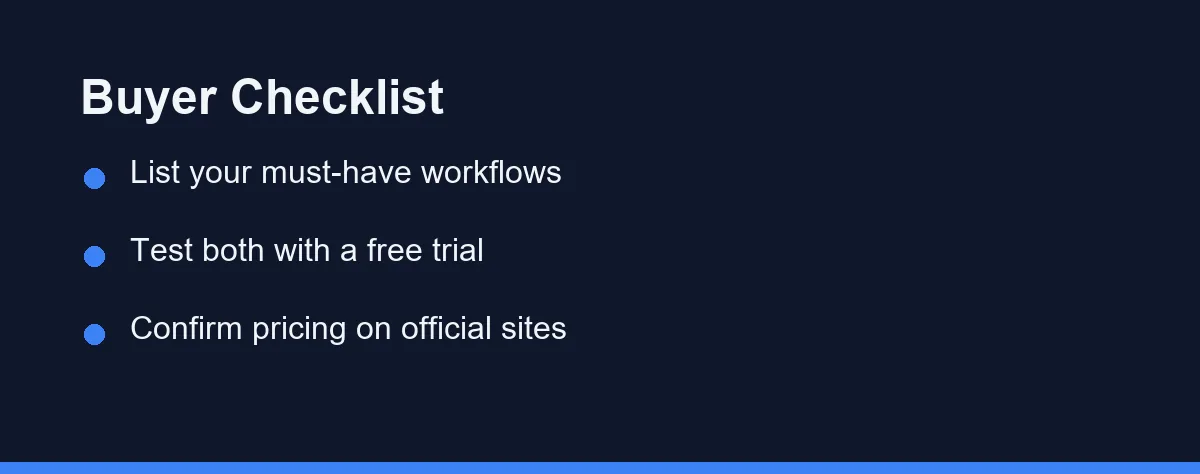
Start by mapping your most important workflows on paper. Write down the sales stages, handoffs, and reports your team relies on. Then test how each platform handles them.
Match the tool to your team’s technical capacity. If you lack admin resources, HubSpot’s simpler model reduces friction. If you have a strong operations team, Salesforce’s flexibility becomes an asset.
Factor in growth over the next two to three years. Switching CRMs later is costly and disruptive. Choose a platform that fits both today and your realistic future scale.
Finally, take advantage of free trials and demos. Hands-on time reveals friction that feature lists hide. Involve the people who will actually use the system every day.
Do not overlook the cost of training and onboarding. A tool that takes weeks to learn delays the value you expect. Estimate ramp-up time honestly for each option before you sign.
If your needs extend beyond sales into broader operations, also weigh the best project management software alongside your CRM choice.
Free CRM Plus Hubs, or Per User Editions
Pricing for both platforms varies widely by edition, seats, and add-ons. Plans change over time, so treat any figures you find elsewhere with caution. Always confirm current pricing on the official sites.
HubSpot offers a free CRM with paid Hub tiers layered on top. Costs grow as you add seats and unlock advanced marketing or automation features. The free entry point makes it easy to start small.
Salesforce typically prices per user across several editions. Higher tiers unlock more customization, automation, and support. Add-ons and integrations can raise the total noticeably.
The table below shows approximate per-user monthly figures at the time of writing. Treat them as a rough map rather than a quote, and confirm current pricing on the official sites.
| Tier (approximate) | HubSpot Sales Hub | Salesforce Sales Cloud |
|---|---|---|
| Free | Free CRM, core features | No true free tier |
| Entry paid | Starter, roughly $15 to $20 per seat | Starter Suite, roughly $25 per user |
| Mid tier | Professional, roughly $90 to $100 per seat | Pro Suite, roughly $100 per user |
| Higher tier | Enterprise, custom pricing | Enterprise, roughly $165 per user |
For accurate, up-to-date numbers, visit the official HubSpot and Salesforce websites. Request a tailored quote that reflects your seat count and required features. This avoids surprises during procurement.
Migrating and Getting Started
Getting started is smoother on HubSpot, which is part of its appeal. You can import contacts, connect email, and build a pipeline within a day.
Salesforce asks for more upfront design. Someone needs to model objects, set permissions, and shape automation before the team logs in. Many companies budget for a consultant or a dedicated admin at this stage.
Migrating between the two is possible in both directions. Export your data, map fields carefully, and rebuild automation rather than expecting a clean lift-and-shift. Plan a testing window before you cut over.
Whichever you pick, clean data matters more than the tool itself. Deduplicate contacts and agree on field conventions early, or the CRM simply inherits old mess.
Which CRM Fits Your Team and Your Admin Bench
Team size and technical resources tend to decide this, so here are direct picks.
- Small teams new to CRM: Choose HubSpot for its free tier and days-not-weeks setup.
- Marketing-led businesses: Choose HubSpot, since Marketing Hub sits natively beside the CRM.
- Large or complex sales operations: Choose Salesforce for deep customization and automation.
- Companies with a strong ops or admin team: Choose Salesforce to exploit its configurability fully.
- Fast-growing startups unsure of scale: Start on HubSpot, then reassess as processes harden.
Philosophy, Not Quality, Separates These Two
HubSpot and Salesforce both deliver strong CRM capabilities in 2026, and neither is a weak product. The difference is philosophy, not quality. HubSpot leans toward simplicity and fast adoption, while Salesforce leans toward depth and customization.
Smaller teams and CRM newcomers usually thrive on HubSpot. Larger organizations with tangled processes tend to get more from Salesforce. Your team size, budget, and admin resources should settle the debate more than any feature grid.
Define your priorities, test both with trials, and verify current pricing directly. With a clear list of needs in hand, the right platform usually becomes obvious rather than agonizing.
FAQ
Is HubSpot or Salesforce better for a small business?
HubSpot is usually easier for smaller teams thanks to its free tier and simpler setup. Salesforce scales further but often needs more configuration and budget. Confirm current plan limits on each official site.
Can you migrate data from HubSpot to Salesforce later?
Yes, both platforms support data export and import, and many migration tools exist. Expect some manual cleanup of fields and workflows during the move. Plan time for testing before going live.
Which platform has a lower total cost of ownership?
It depends on team size, add-ons, and admin overhead rather than sticker price alone. HubSpot often costs less to run for small teams, while Salesforce can pay off at scale. Check current pricing on the official sites.
Does HubSpot or Salesforce have a free plan?
HubSpot ships a genuinely functional free CRM with contact management and basic pipelines, which suits small teams starting out. Salesforce offers free trials but no true free tier, so it expects a paid plan from day one.
Which CRM is more customizable?
Salesforce is built for deep customization through custom objects, automation, and its large AppExchange, so it usually wins for complex processes. HubSpot is flexible within limits and easier to configure without a dedicated admin.
Sources
- Sales Software Pricing | HubSpot — checked 2026-10-01
- Salesforce Sales Pricing | Salesforce — checked 2026-10-01
Some links may be affiliate links. We may earn a commission at no extra cost to you.
How this article was made: it was drafted with AI assistance from the official sources listed above, and its figures were checked against those pages on the dates shown. It is not based on personal hands-on testing.
Comments
Post a Comment